Page 13
SECTION 4
ANTENNA CONFIGURATION
The King-Dome is factory pre-set for DIRECTV standard digital programming broadcast from the
101° W satellite.
If you also receive your local channels from DIRECTV’s 119 satellite or if you subscribe to Dish
Network or Bell TV programming, you must re-configure the antenna to work with your satellite
service. Doing this will allow the King-Dome to lock on the correct satellites to receive your
programming and also enable automatic satellite switching via the receiver’s remote control for
multi-satellite service.
Antenna configuration is a one time procedure that MUST BE COMPLETED
before using your
King-Dome antenna.
To configure your antenna, follow these steps:
1. SATELLITE SERVICE OPTIONS
Determine the service you want to program (pages 14-15).
2. ANTENNA CONFIGURATION
Configure the antenna for the service you chose in step 1.
You can use either:
A) the supplied wall mount controller (page 16).
or
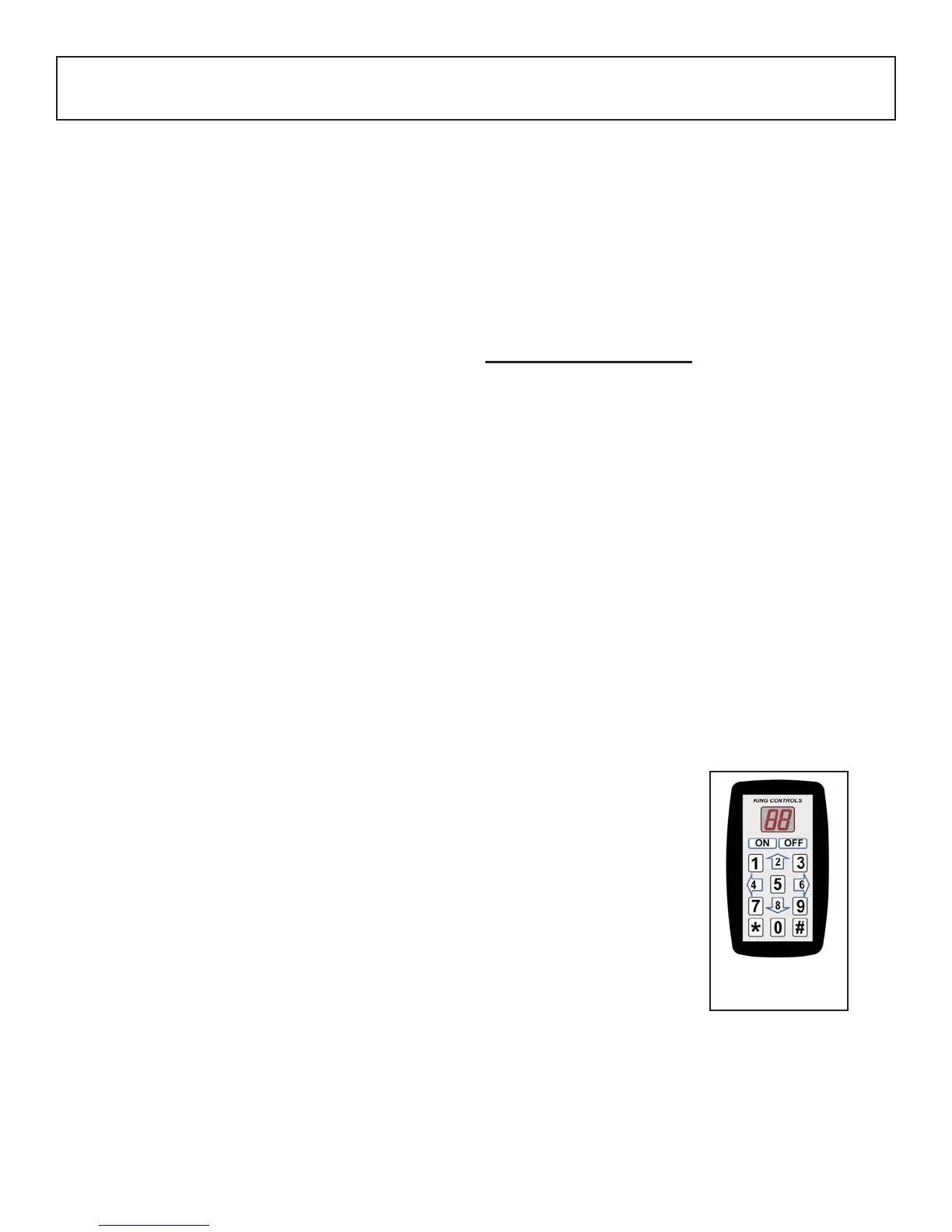
B) keypad #1844 (page 23).
3. DISH AND BELL TV CHECK SWITCH PROCEDURE
For all Dish Network and Bell TV services:
Configure your receiver for mobile use by running a check switch (page 27).
#1844
Diagnostic Keypad


 To Next Page