Page 24
Perform the programming on these two pages using the codes determined from the chart on
page 23 (EXCEPT DIRECTV 101 SERVICE).
If you have DIRECTV 101 Service, set your receiver for round dish-1 satellite (do this through the
receiver’s satellite set-up menu screens), and then go to page 30, OPERATION).
SET SATELLITE SWITCHING MODE
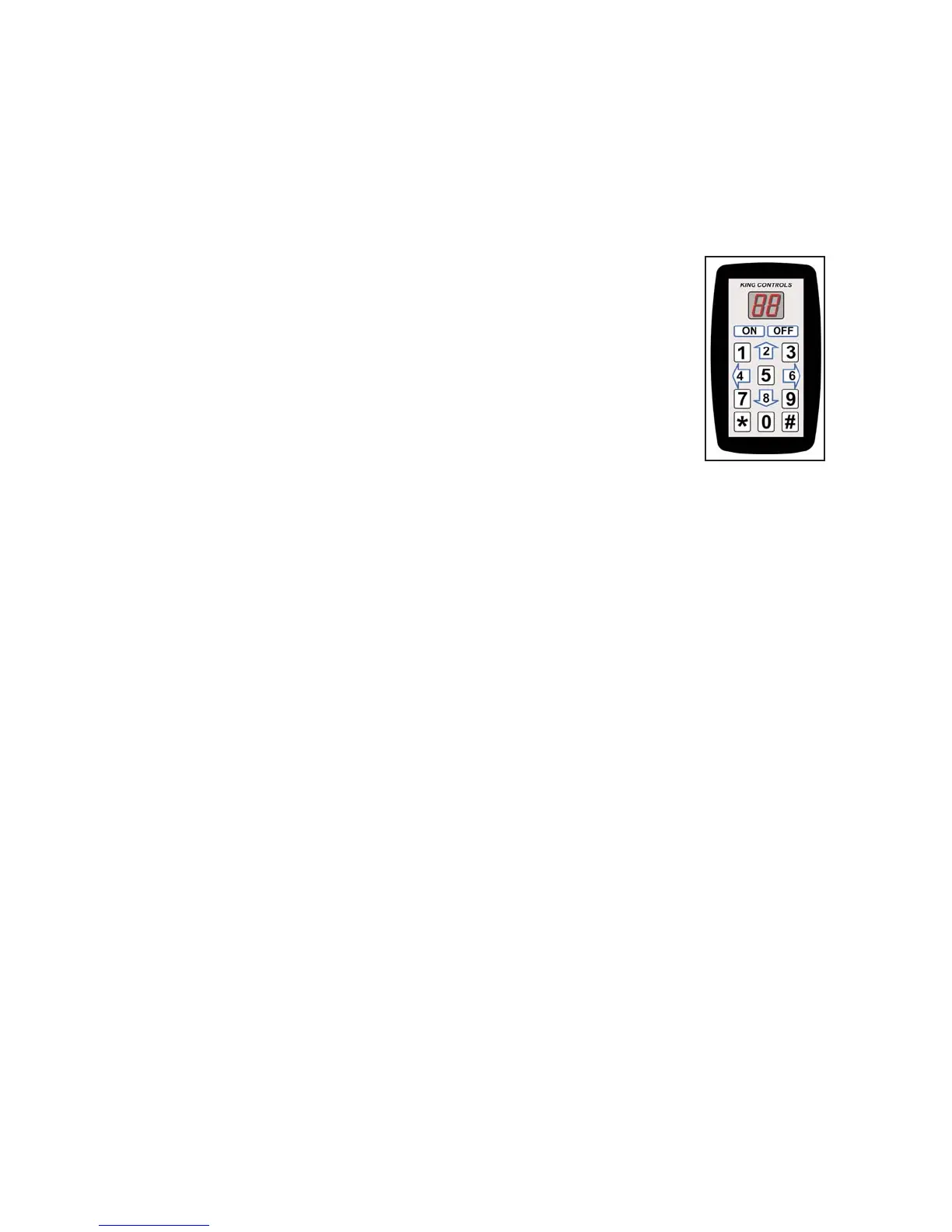
1. Unplug the controller and plug in the Keypad.
2. Press ON.
3. Press
* 46 # to display the current satellite switching mode
(see chart on page 23).
4. To change the satellite switching mode, press
* 96 #
* 66 #
* 88 #
5. Press the UP and DOWN arrows (2 and 8 keys) to choose your desired switching mode from
the chart on page 23.
6. Press
* 47 # to lock in setting.
7. Turn unit OFF and back ON to save setting.
8. Press
* 46 # to display and verify code for new satellite switching mode.
9. Continue with SET SATELLITE PROVIDER CODE on next page.


 To Next Page