Page 33
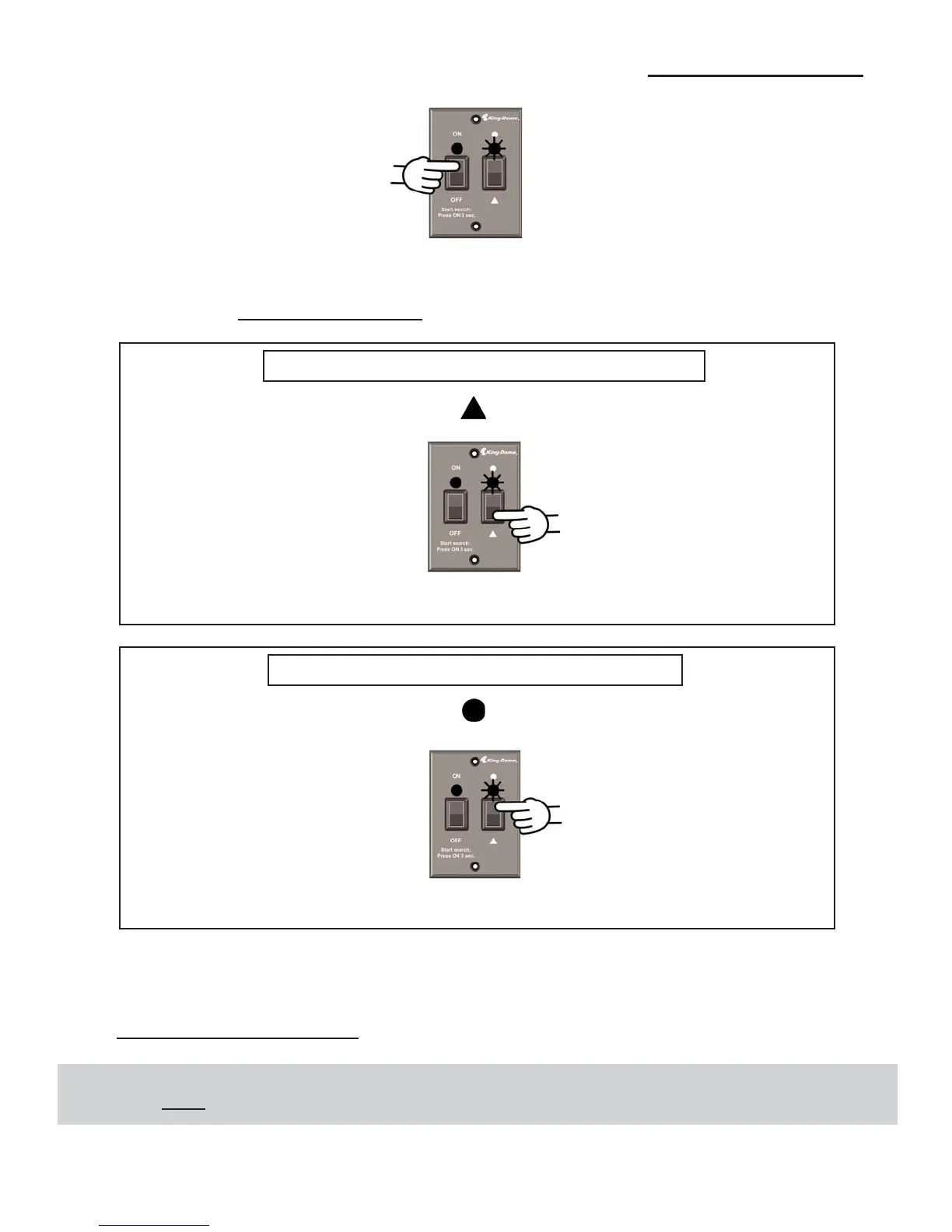
1. Press ON. Wait for the Status Light to flash orange, and then wait 4 more seconds.
2. Press and release ON 4 times. Status Light starts rapidly flashing green and red.
3. Select the trio you want to change to
:
Dish HD Western Arc Trio 110, 119, 129
4. Turn the unit off.
5. Perform a stationary search and reload the check switch (page 27).
YOU MUST DO THIS STEP!
The Status Light turns orange for 1 second and then starts flashing green or red.
The Status Light turns orange for 1 second and then starts flashing green or red.
EXTREMELY IMPORTANT!
You MUST
perform a stationary search and reload the check switch any time you switch trios.
Press and hold for 4 seconds.
Press and hold for 4 seconds.
Dish HD Eastern Arc Trio 61.5, 72, 77


 To Next Page