Using the Code Reader
ERASING DIAGNOSTIC TROUBLE CODES (DTCs)
- If you do not want to continue with the erase process, press the
POWER/LINK button to exit the erase mode.
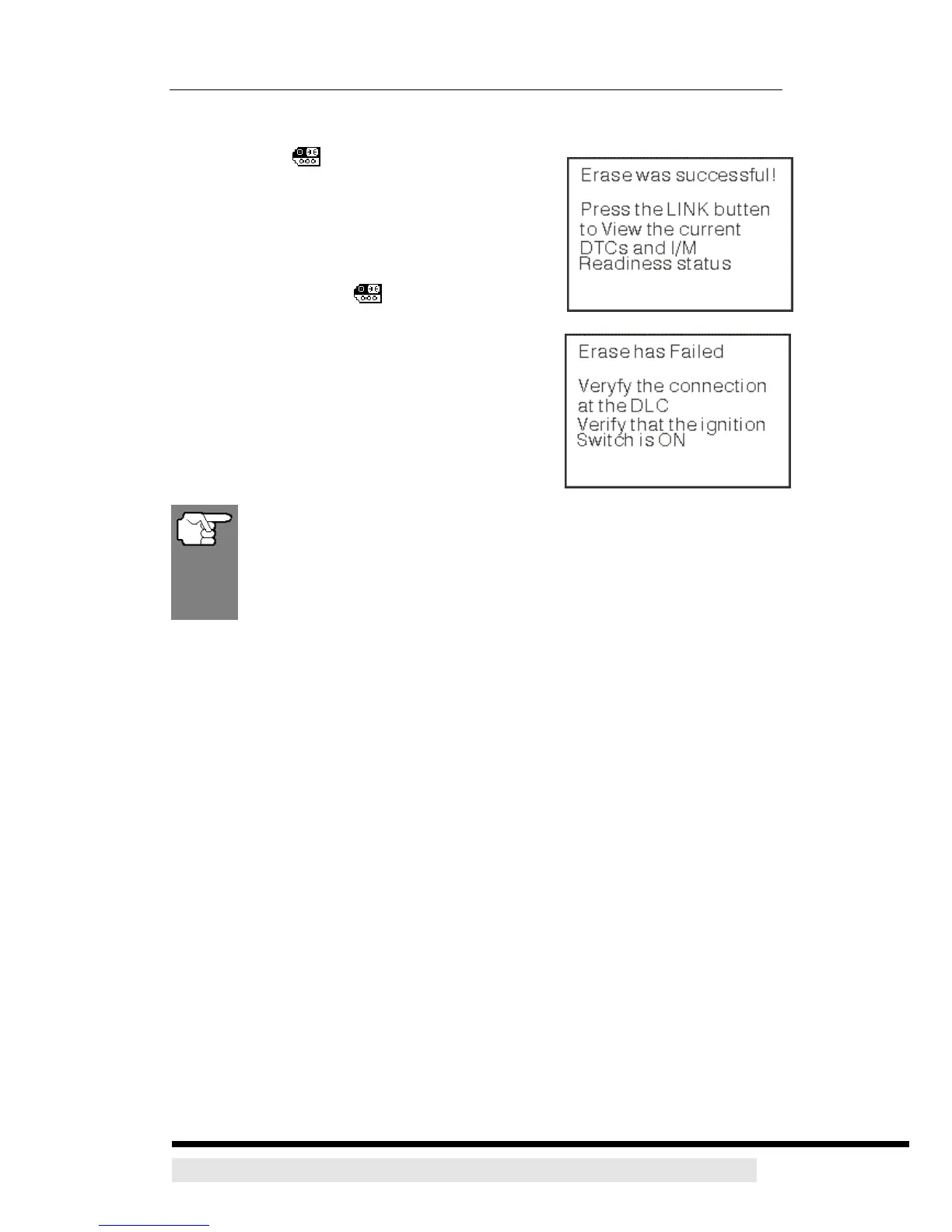
4. If you chose to erase DTCs, a progress screen
displays while the erase function is in progress.
¾ If the erase was successful, a confirmation
message shows on the LCD display. Press
the POWER/LINK button to return to the
DTC screen.
¾ If the erase was not successful, an advisory
message shows on the LCD display. Verify
that the CanScan is properly connected to
the vehicle’s DLS and that the ignition is on,
then repeat steps 2 and 3, above.
Erasing DTCs does not fix the problem(s) that caused the code(s) to
be set. If proper repairs to correct the problem that caused the
code(s) to be set are not made, the code(s) will appear again (and
the check engine light will illuminate) as soon as the vehicle is driven
long enough for its Monitors to complete their testing.
D900 CanScan 28


 To Previous Page