About the Code Reader
VEHICLES COVERED / BATTERY REPLACEMENT
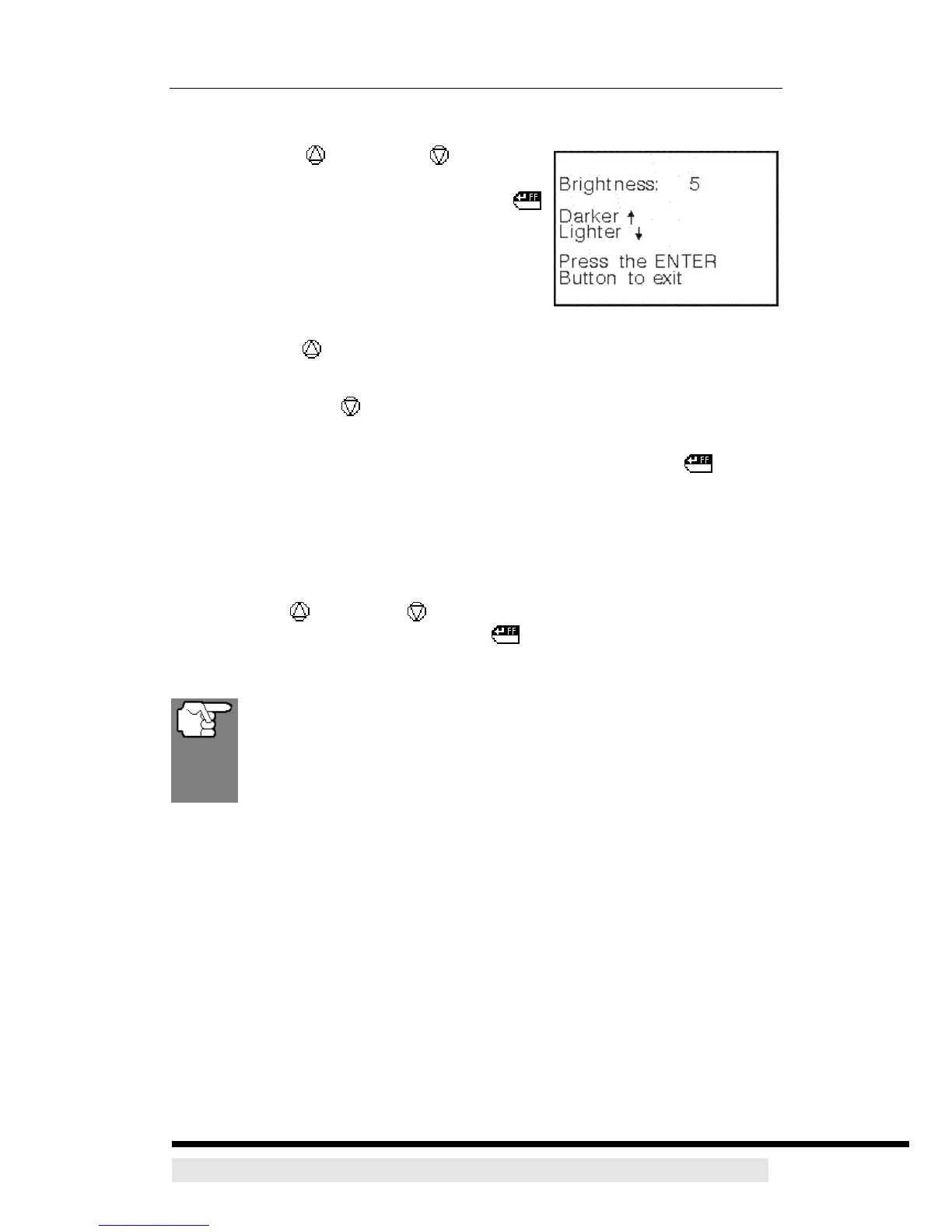
Adjusting Display Brightness
1. Use the UP and DOWN buttons, as
necessary, to highlight Adjust Brightness in
the MENU, then press the ENTER/FF
button.
¾ The Adjust Brightness screen displays.
¾ The Brightness field shows the current
brightness setting, from 1 to 10.
2. Press the UP button to decrease the brightness of the LCD display (make
the display darker)
3. Press the DOWN button to increase the brightness of the LCD display
(make the display lighter).
4. When the desired brightness is obtained, press the ENTER/FF button to
save your changes and return to the MENU.
Exiting the MENU Mode
1. Use the UP and DOWN buttons, as necessary, to highlight Menu Exit
in the MENU, then press the ENTER/FF button.
¾ The LCD display returns to the DTC screen.
Changes made to Brightness will remain in the CanScan’s memory
as long as the batteries are not removed. If the batteries are
removed (or go dead), the settings will be lost from the CanScan’s
memory, and they must be reset again.
D900 CanScan 8


 To Next Page