DISH CUSTOMERS USING TAILGATER MODE:
Do not use these instructions. See BEFORE YOU START on inside of cover.
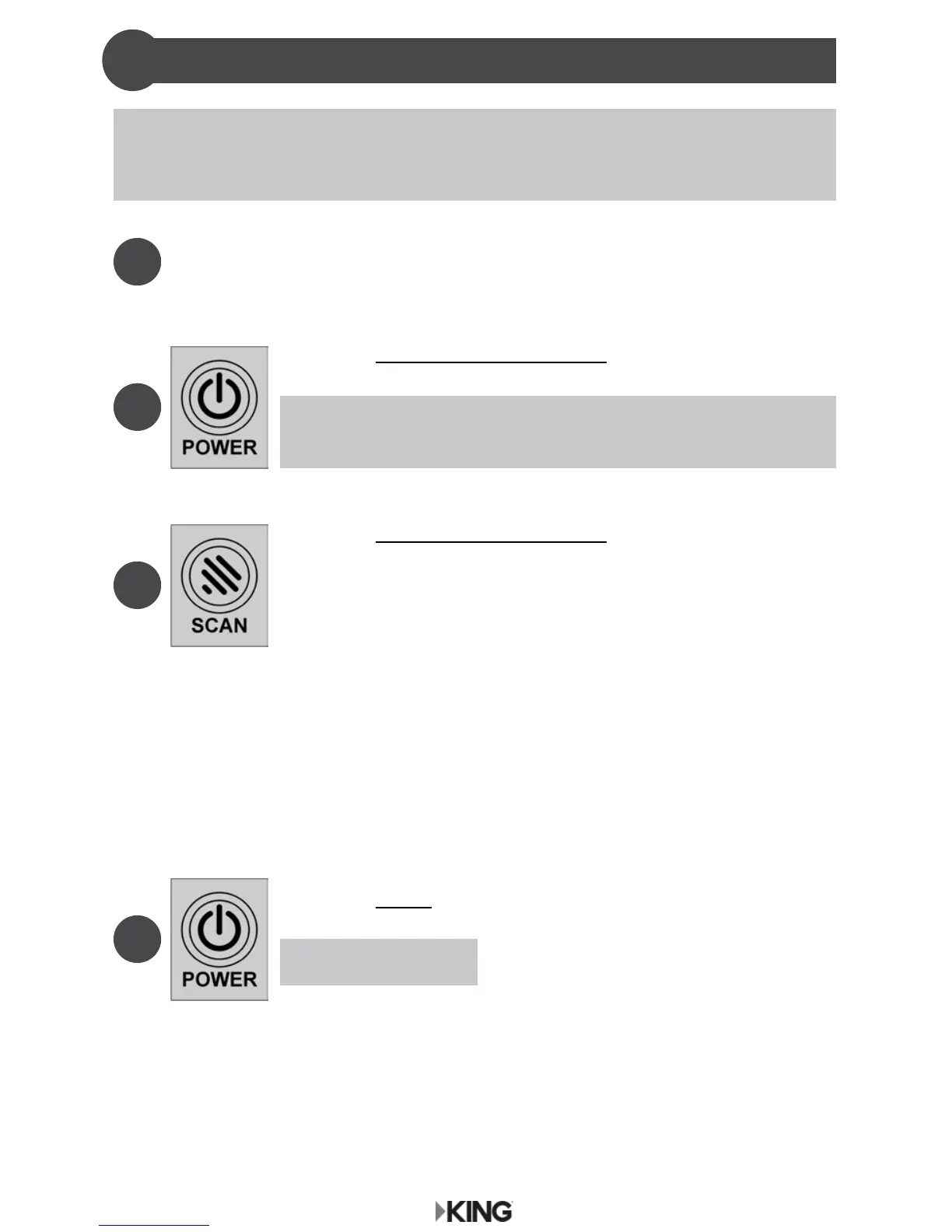
Press and IMMEDIATELY RELEASE POWER to turn on
controller.
Wait for lights to stop ashing and COAX CONNECTION
light to stay on (about 10 seconds).
2
Press and IMMEDIATELY RELEASE SCAN.
3
Make sure your TV and receiver are turned on.
Press and HOLD POWER to turn off controller when done
watching TV.
About 3 seconds.
4
1
a) The antenna will scan for the selected satellites. The four
SCAN PROGRESS lights will cycle on and off to indicate a
scan is in progress.
b) As satellites are located, the corresponding SCAN
PROGRESS lights will turn on (see chart on opposite page).
c) When scan is complete, the appropriate lights will be on to
show which satellites were found.
d) Wait for the program guide to download and then select
your desired channel. Enjoy!
OPERATION
5



 To Next Page