ENGLISH
Taking a Temperature
1.
2.
3.
4.
5.
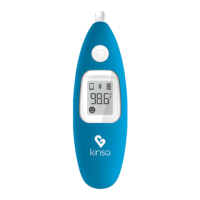
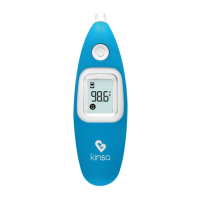
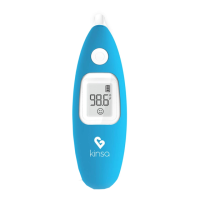
Tap the Power/Start button A to turn on the thermometer. You will hear a
beep when the thermometer is ready to take a temperature.
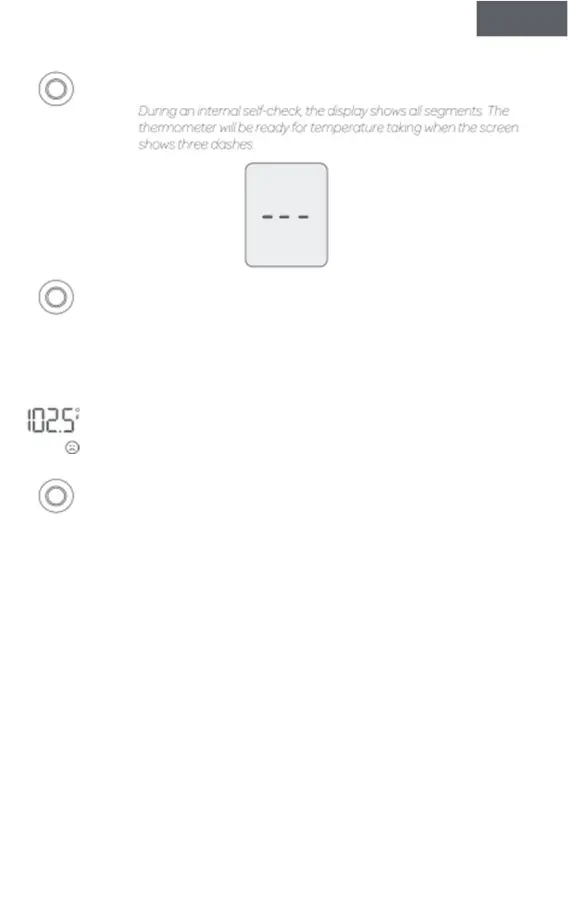
During an internal self-check, the display shows all segments. The
thermometer will be ready for temperature taking when the screen
shows three dashes.
First, gently tug the ear straight up and back. Next, fit the probe snuggly
into the ear canal. Be sure to position the probe so that it is pointing
toward the center of the head. Once in position, push and release the
Power/Start button.
A beep will indicate when the temperature measurement is successfully
completed. Temperature readings typically take 1 second.
The temperature reading will be shown on the illuminated display. A smiling
face icon indicates that the temperature is normal while a neutral or
frowning face indicates a mild or high fever, respectively.
The thermometer will automatically turn off after 30 seconds of inactivity.
The display will briefly flash OFF and it will go blank. You can also hold down
the button to power off.
NOTE: Always take measurements in the same ear since temperature readings may
differ from the right and left ear.
7


 To Next Page