Cleaning And Storage
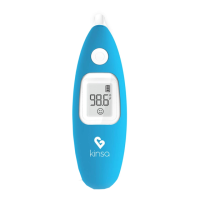
To ensure your Smart Ear thermometer is recording accurate
temperatures, it is very important to keep the probe sensor tip clean.
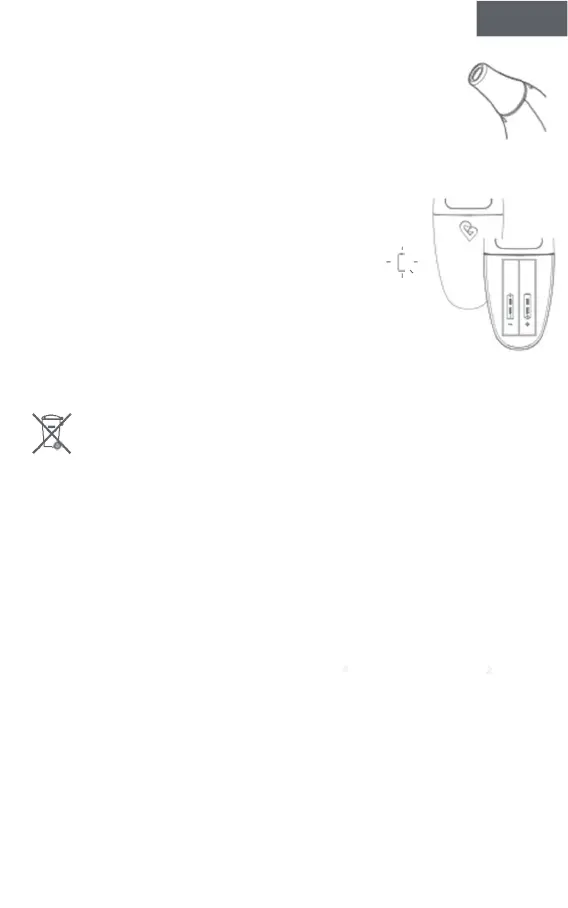
To clean the probe tip, gently wipe it with a cotton swab or soft cloth
moistened with alcohol. Gently circle the alcohol wipe around the
inner sensor area at the tip of the Smart Ear. Be sure to clean the inner
flat surface of the sensor - not just the rim. Never submerge your
Kinsa or put it in boiling water or a dishwasher.
ENGLISH
Keep the protective cap snapped onto the top of the thermometer when not in use to
protect the tip from damage.
Replacing the Battery
The Kinsa Smart Ear thermometer is powered by 2 AAA
batteries. The low battery icon displays when power is low.
To replace the batteries:
E
Open the back battery cover E by pressing on the Kinsa logo and applying
downward pressure to slide it off. Remove the old batteries and replace with new
ones. Make sure the the batteries are in the correct polarity direction.
Close the battery cover.
To protect the environment, dispose of the product and empty batteries at your retail
store or at appropriate collection sites according to national or local regulations.
Note: For long durations of non-operation, please remove all batteries from the device.
Batteries should be disposed of in accordance with local environmental and institutional
policies.
Calibration
This thermometer is initially calibrated at the time of manufacture. If this thermometer is used
according to the use instructions, periodic re-adjustment is not required. If at any time you
question the accuracy of temperature measurements, please contact Customer Support.
9


 To Next Page