16
G
etting to know your microwave-convection hood combination
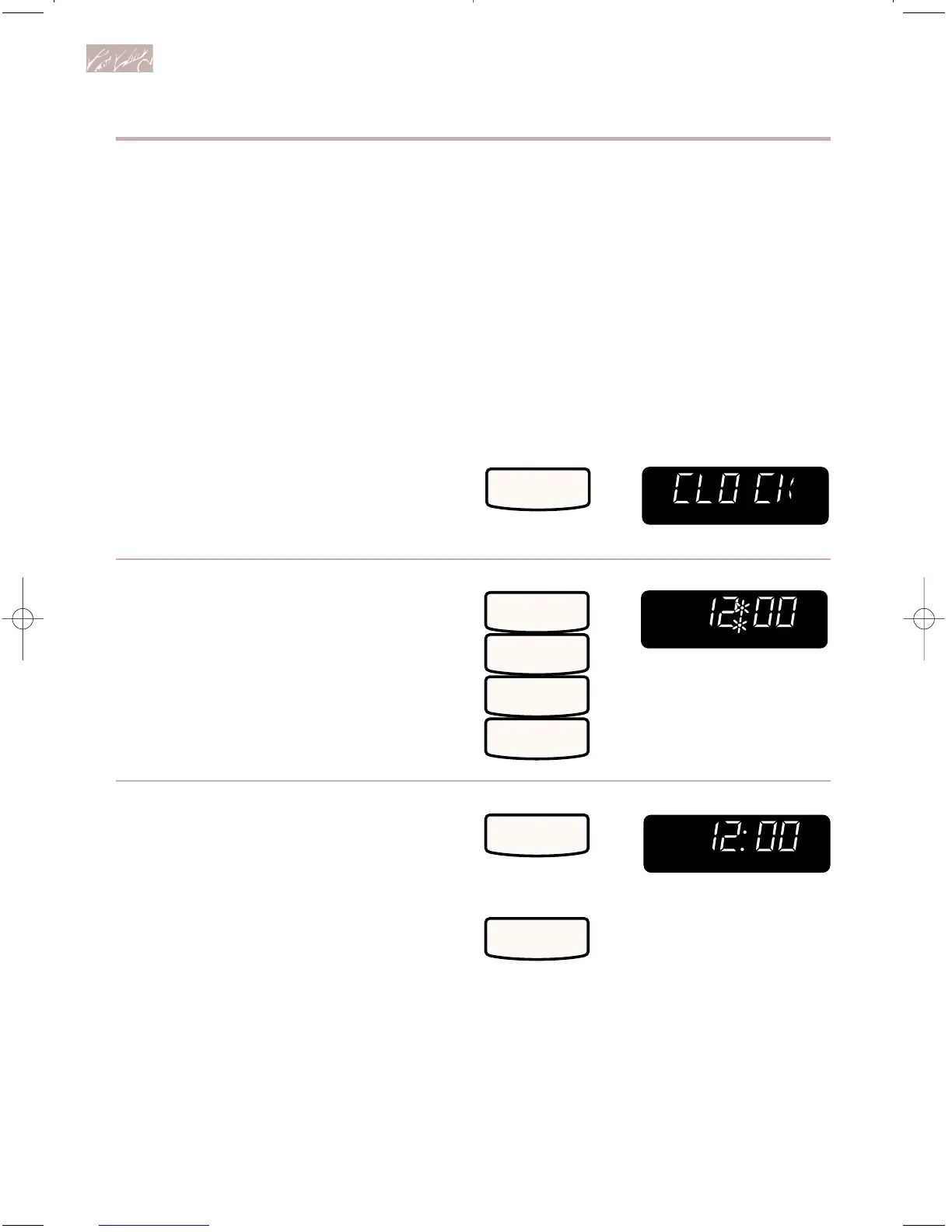
Setting the clock
When your microwave oven is first plugged
in or after a power failure, the Display will
show “888:88”. For the first 30 seconds
after the power is on, you can set the clock
time without touching CLOCK SET •
START. After 30 seconds have gone by, you
must follow the directions below to set the
time. If a time of day is not set, “888:88” will
show in the Display until you touch CLOCK
SET • START.
To set time:
1. Choose setting.
2. Enter time of day.
Example for 12:00:
3. Complete entry.
NOTES:
• You can only set the clock if the oven is
not cooking food.
• If you touch in an incorrect time and
touch CLOCK SET • START, three tones
will sound. Enter the correct time.
• If you touch CANCEL/OFF while setting
the clock, the Display will show the last
time of day set or “:” if no time of day has
been set.
TOUCH YOU SEE



 To Next Page