39
M
icrowave cooking
Using EASY MINUTE
EASY MINUTE lets you cook food for
1 minute at 100% Cook Power or add an
extra minute to your cooking cycle. You can
also use it to extend cooking time in multi-
ples of 1 minute, up to 99 minutes.
NOTES:
• To extend cooking time in multiples of
1 minute, touch EASY MINUTE repeatedly
during cooking.
• You can enter EASY MINUTE only after
closing the door, after touching CAN-
CEL/OFF, or during cooking.
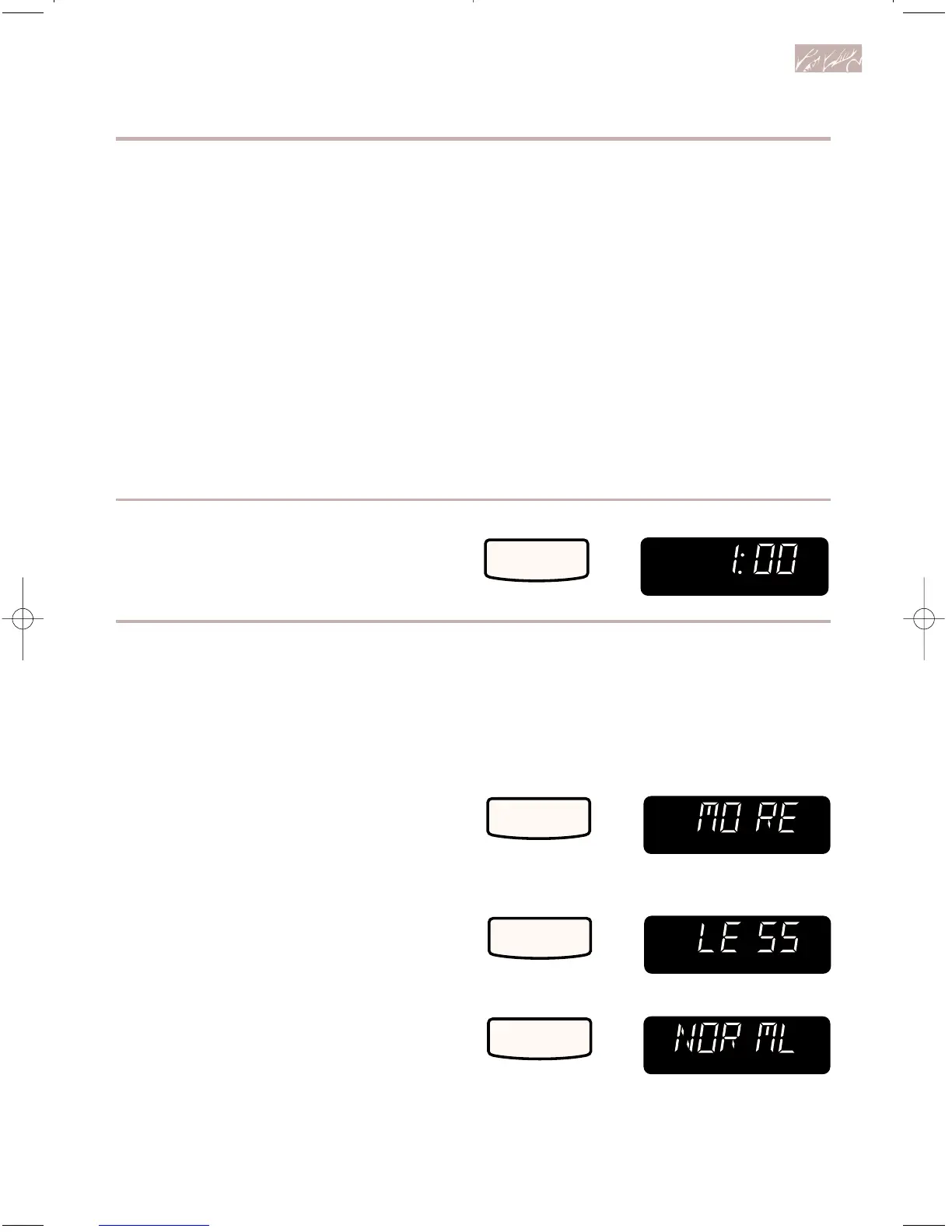
1. Make sure food is in oven.
2. Choose EASY MINUTE.
Example for cooking for 1 minute:
Adding or subtracting cook time
If a preset cook time is too long or too short,
you can increase or decrease the cook time
by 10% after choosing the function. You can
only increase or decrease cook time before
cooking starts.
To increase cook time by 10%:
To decrease cook time by 10%:
To reset to the original cook time:
• If you touch EASY MINUTE during cook-
ing, the oven will cook at the currently
selected Cook Power. If you touch EASY
MINUTE after cooking is over, the oven
will cook at 100% Cook Power.
• You cannot use EASY MINUTE with
POPCORN, AUTO ROAST, BEVERAGE,
AUTO COOK, or CUSTOM DEFROST.
• You cannot use EASY MINUTE to start
the oven if any program, other than the
Minute Timer, is on the Display.
TOUCH YOU SEE



 To Next Page