35
M
icrowave cooking
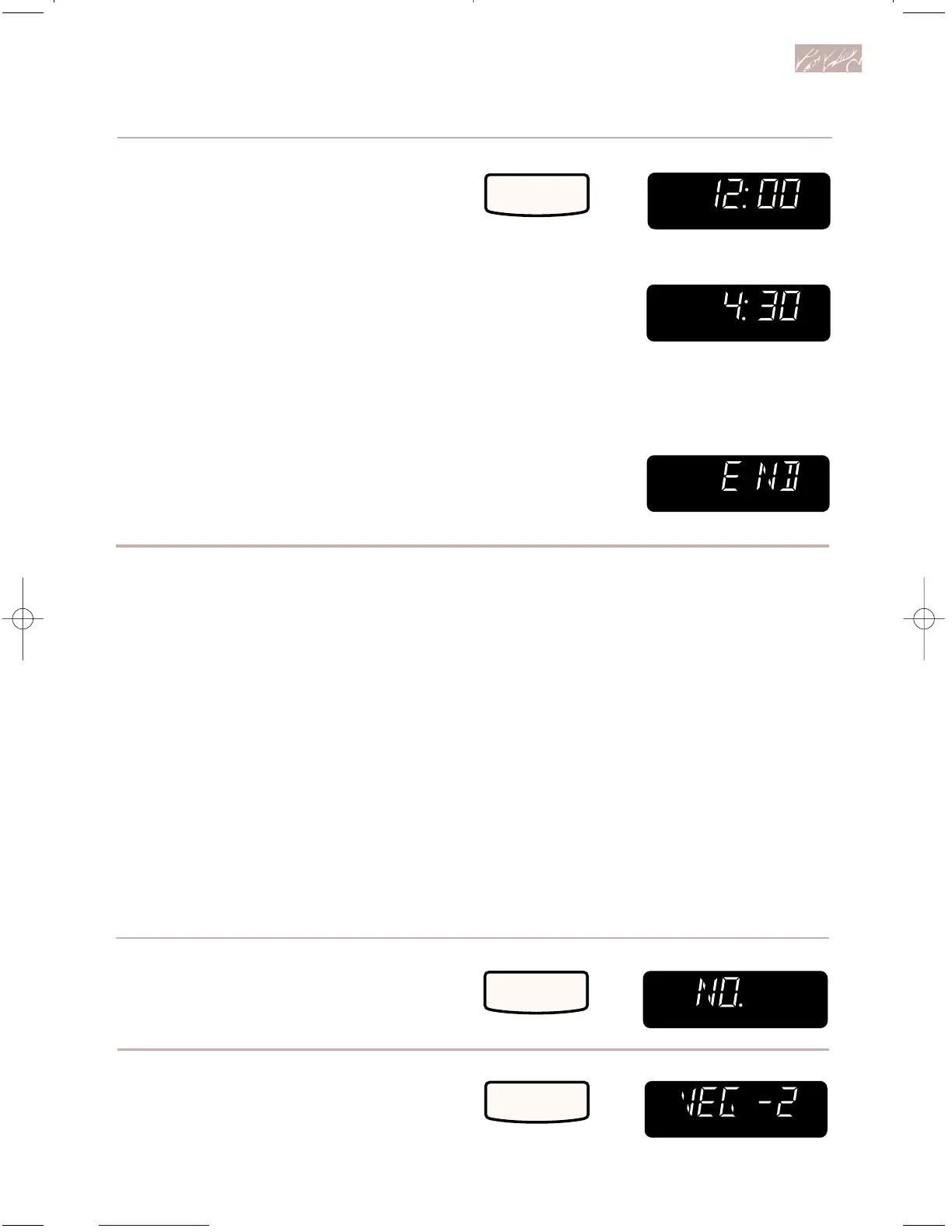
6. Complete entry.
The oven will start cooking at the
set time.
NOTE: If the door is opened before the
start time is reached, the Display will
show “DOOR” and “OPEN” for 5 minutes
or until the door is closed, whichever
comes first. You must touch START to
resume DELAY START.
At end of cooking time:
Using AUTO COOK
AUTO COOK lets you cook common micro-
wave-prepared foods without needing to
program times and Cook Powers. A sensor
in your oven detects the moisture released
by the food, and the amount of moisture
detected tells the oven how long to cook
your food. AUTO COOK has preset Cook
Powers for five categories: Frozen Entree,
Casserole, Bread, Fresh/Canned
Vegetables, and Frozen Vegetables. All you
do is touch the Number Pad assigned to the
desired category (see chart on next page)
and START. Your microwave oven does
the rest.
1. Put food in oven and
close door.
2. Choose AUTO COOK.
NOTES:
• If covering foods, use a loose cover to
allow sensor to detect moisture.
• See “Microwave cooking chart” on
page 64 for cooking with cooking time
and Cook Power.
• You can set AUTO COOK as one of your
steps in multi-cycle cooking.
TOUCH YOU SEE
3. Choose food category.
(See “Auto cook chart” on next page
for food categories to choose from.)
Example for food category 5
(Frozen Vegetables):
TOUCH YOU SEE



 To Next Page