8
PRODUCT USAGE
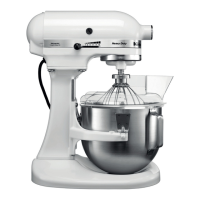
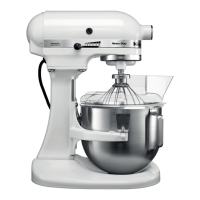
PLACING/REMOVING THE POURING SHIELD*
*Included with select models only. Also available as an optional accessory.
BEATER TO BOWL CLEARANCE
Your Stand Mixer is adjusted at the factory so the Flat Beater just clears the bottom of
the Bowl. If, for any reason, the Flat Beater hits the bottom of the Bowl or is too far away
from the Bowl, you can correct clearance easily.
NOTE: When properly adjusted, the Flat Beater will not strike on the bottom or side of
the Bowl. If the Flat Beater or the Wire Whip is so close that it strikes the bottom of the
Bowl, coating may wear off the beater or wires on whip may wear.
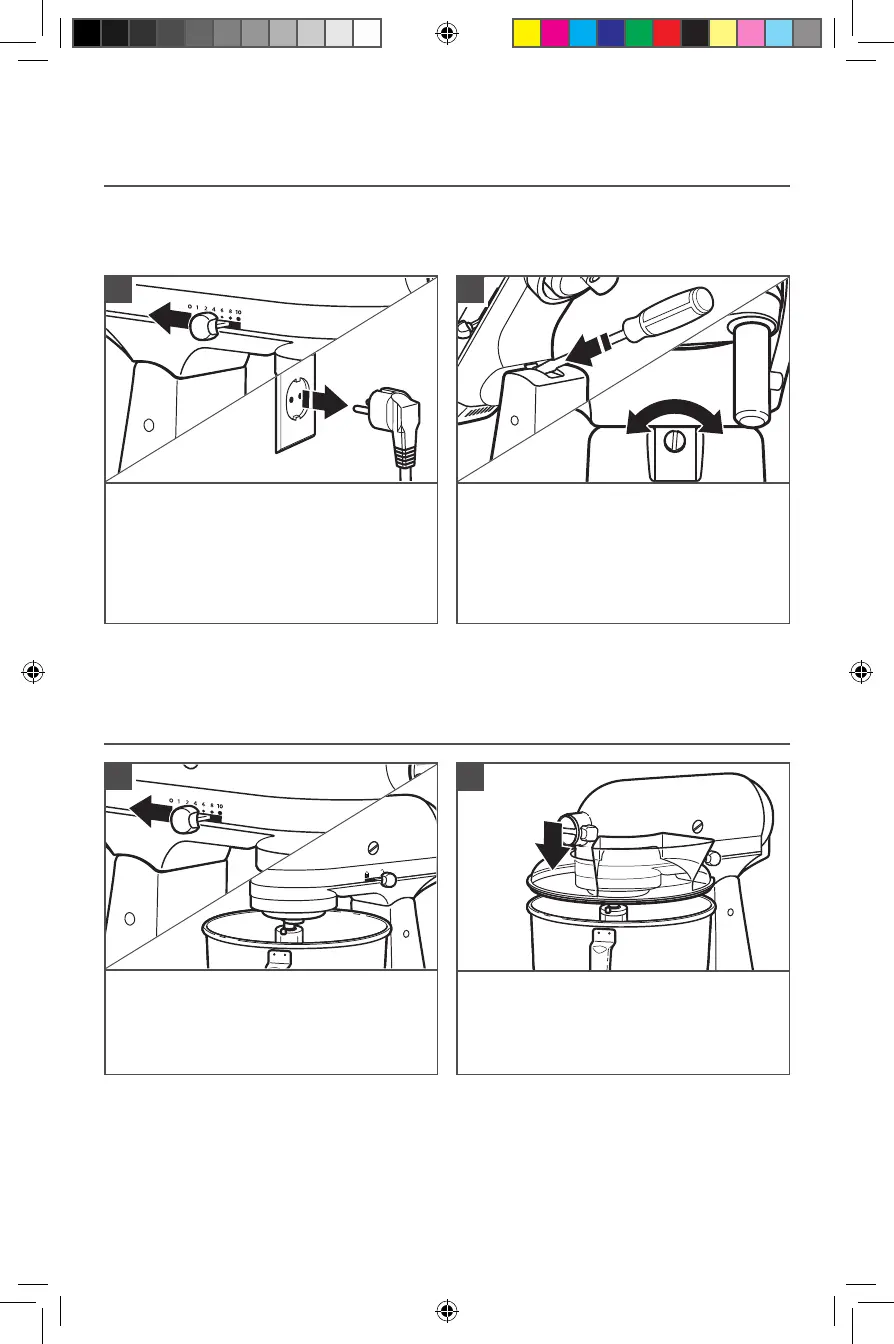
Turn speed control to “0” (OFF). Unplug
Stand Mixer.
1
To place Pouring Shield*: Turn speed
control to “0” (OFF). Unplug Stand Mixer.
Attach your chosen accessory. See the
“Attaching/Removing the Flat Beater,
Wire Whip, or Dough Hook” section.
1
Lift Motor Head. Turn screw slightly
counterclockwise (left) to raise Flat
Beater or clockwise (right) to lower Flat
Beater. Make adjustment with Flat Beater,
so it just clears surface of Bowl. If you
overadjust the screw, the Bowl lock lever
may not lock into place.
2
From the front of the Stand Mixer, slide
the Pouring Shield* over the Bowl until
the shield is centred. The bottom rim of
the shield should fit within the Bowl.
2
W11520569A.indb 8W11520569A.indb 8 6/17/2022 3:26:02 PM6/17/2022 3:26:02 PM



 To Next Page