10
PRODUCT USAGE
OPTIONAL ATTACHMENTS
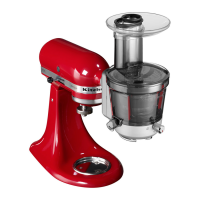
KitchenAid offers a wide range of optional attachments such as food grinders or
pasta makers. They may be attached to the Stand Mixer attachment power shaft,
as shown here.
OPERATING THE SPEED CONTROL
NOTE: The Stand Mixer may warm up during use. Under heavy loads with extended
mixing time, the top of the unit may become hot. This is normal.
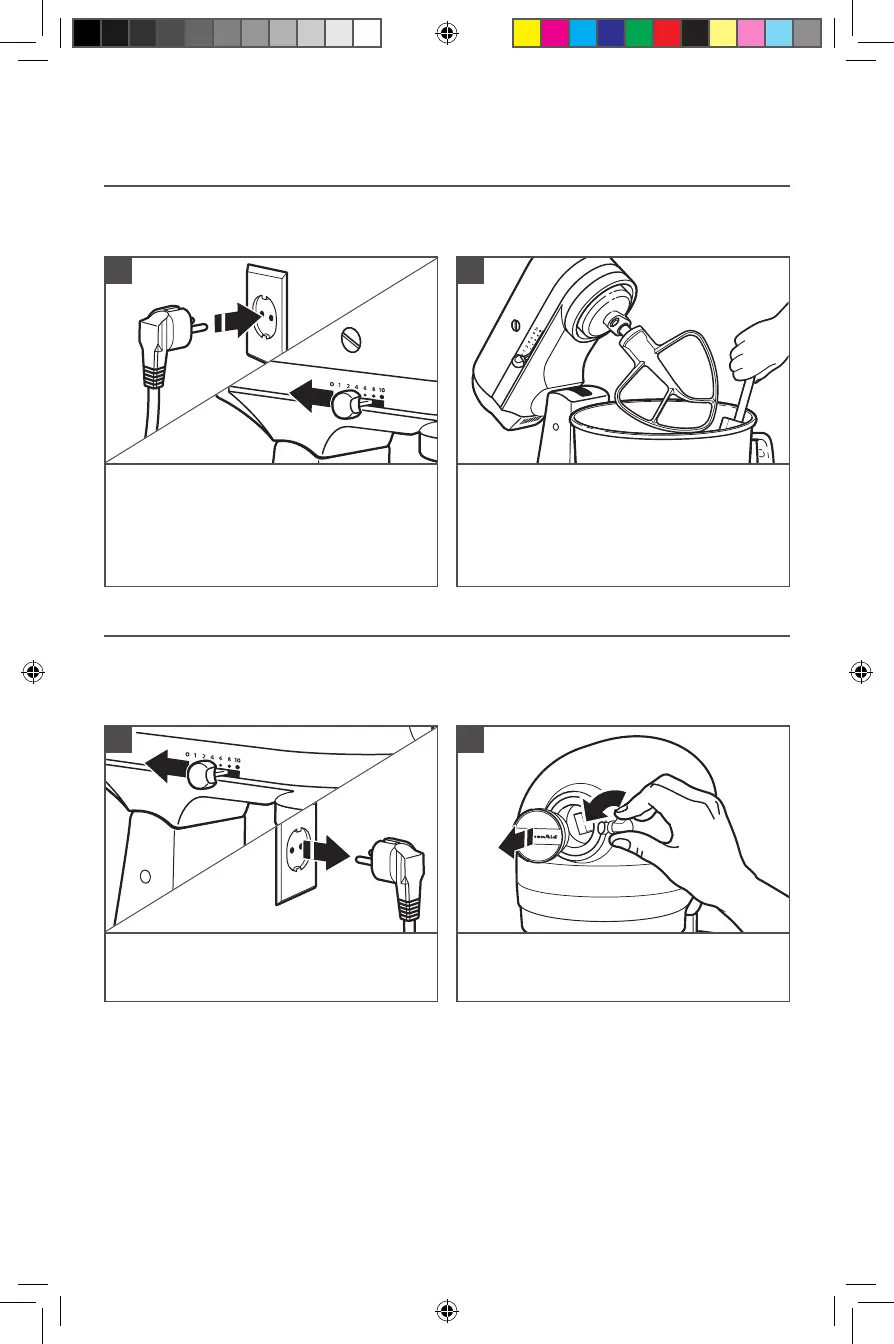
Plug Stand Mixer into proper electrical
outlet. Always set Speed Control Lever
on lowest speed to start, then gradually
increase speed to avoid splashing
ingredients. See “Speed Control Guide”
chart.
1
To attach: Turn speed control to
“0” (OFF). Unplug Stand Mixer.
1
Do not scrape Bowl while Stand Mixer
is operating. The Bowl and beater are
designed to provide thorough mixing
without frequent scraping. Scraping
the Bowl once or twice during mixing is
usually sufficient.
2
Loosen Attachment Knob by turning it
counterclockwise. Remove Attachment
Hub cover.
2
W11520569A.indb 10W11520569A.indb 10 6/17/2022 3:26:08 PM6/17/2022 3:26:08 PM



 To Next Page