11
English
COOKING METHODS STEP-BY-STEP COOKING MODES
Step-by-step cooking modes use multiple cooking methods to cook different kinds of
foods� Use the
key to advance from step to step� If it is necessary to back up a step,
press the
key�
Rice allows you to cook a variety of rice
types, from white rice, brown rice, wild rice
to sushi rice� Rice modes offers white and
brown rice programs for optimal results
(see table)�
1� Add the measured rice and water to
the cooking pot�
NOTE: To reduce the possibility of
boilovers, rinse dry rice before adding
to pot�
2� Press
to scroll to Rice mode� Press
to select�
3� The Multi-Cooker will display For
white, press < and For brown,
press >� Use or to select the
desired type of rice, then press
�
4� Once cooking is complete, Rice
mode done, keeping warm will be
displayed and the Multi-Cooker will go
into Keep Warm mode� When in keep
warm mode without setting timer, the
Multi-Cooker will automatically turn off
after 24 hours�
NOTE: Default cook time is for 1 cup
(190 g) of dry rice� You can adjust the
time based on the quantity of rice�
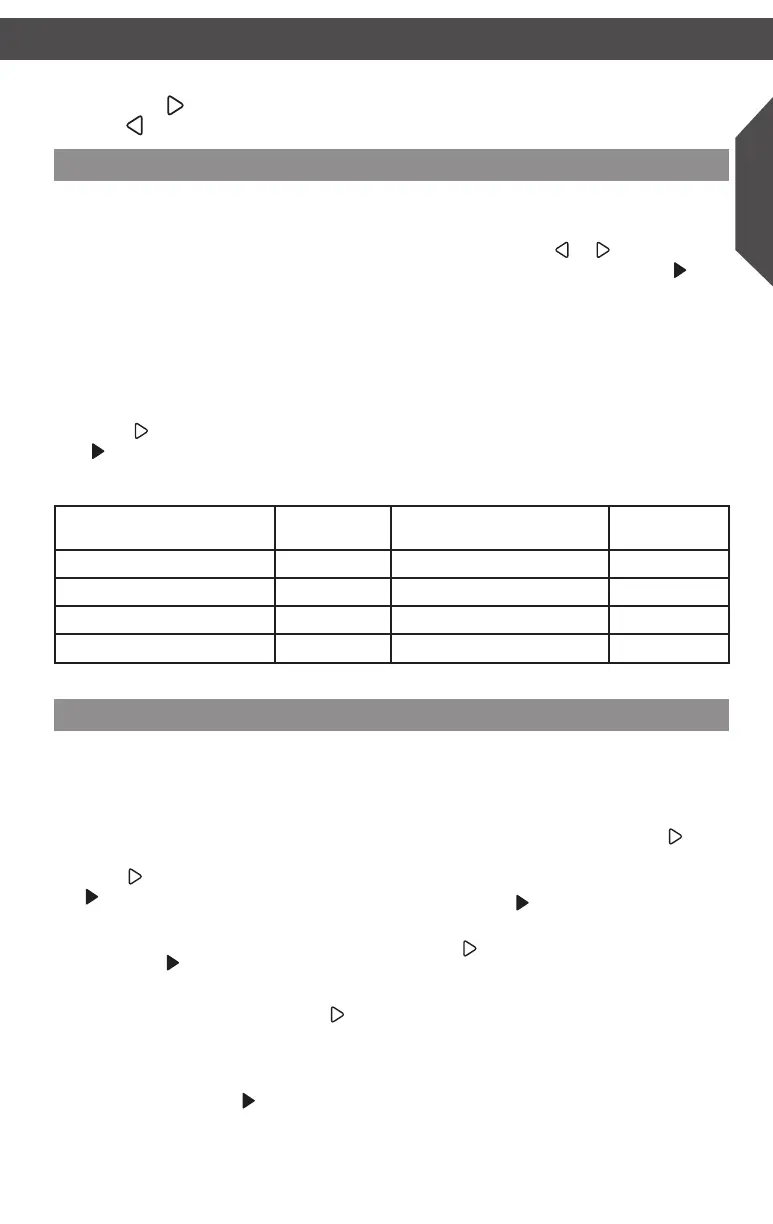
Rice Type
Dry Rice
cups (g)
Water
cups (ml)
Time
(min.)
White (long grain) 1 (190g) 1
3
/4–2
1
/4 (415–475 ml) 35*
White (medium grain) 1 (190g) 1
3
/4–2 (415–475 ml) 35*
Brown 1 (190g) 1
3
/4–2
1
/4 (415–475 ml) 55*
Sushi/White (short/grain) 1 (190g) 1
1
/4–1
3
/4 (415–475 ml) 35*
* Default time
Rice (White/Brown)
Soup mode uses multiple preprogrammed
steps for creating soups and stews from
scratch, without the guesswork�
1� Press
to scroll to Soup mode� Press
to select�
2� The Multi-Cooker will preheat to Sauté�
If setting a cooking time, set the timer,
then press
to start timer countdown�
3� Add the starting ingredients�
4� Once sautéing is complete, press
to
continue to Boil�
5� The Multi-Cooker will cool down to
Boil mode� If setting a boiling time, set
the timer, then press
to start timer
countdown�
6� Add remaining ingredients�
7� Once boiling is complete, press
to
continue to Simmer�
8� If setting a simmer time, set the timer,
then press
to start timer countdown
9� Once simmering is complete, press
the
button for Keep Warm mode�
When in keep warm mode without
setting timer, the Multi-Cooker will
automatically turn off after 24 hours�
Sauté > Boil > Simmer > Keep
Warm
Soup
W10778323A_v05.indd 11 3/26/15 5:17 PM



 To Next Page