18
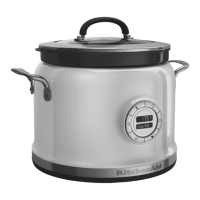
OPERATING THE MULTI-COOKER OPERATING THE MULTI-COOKER
6
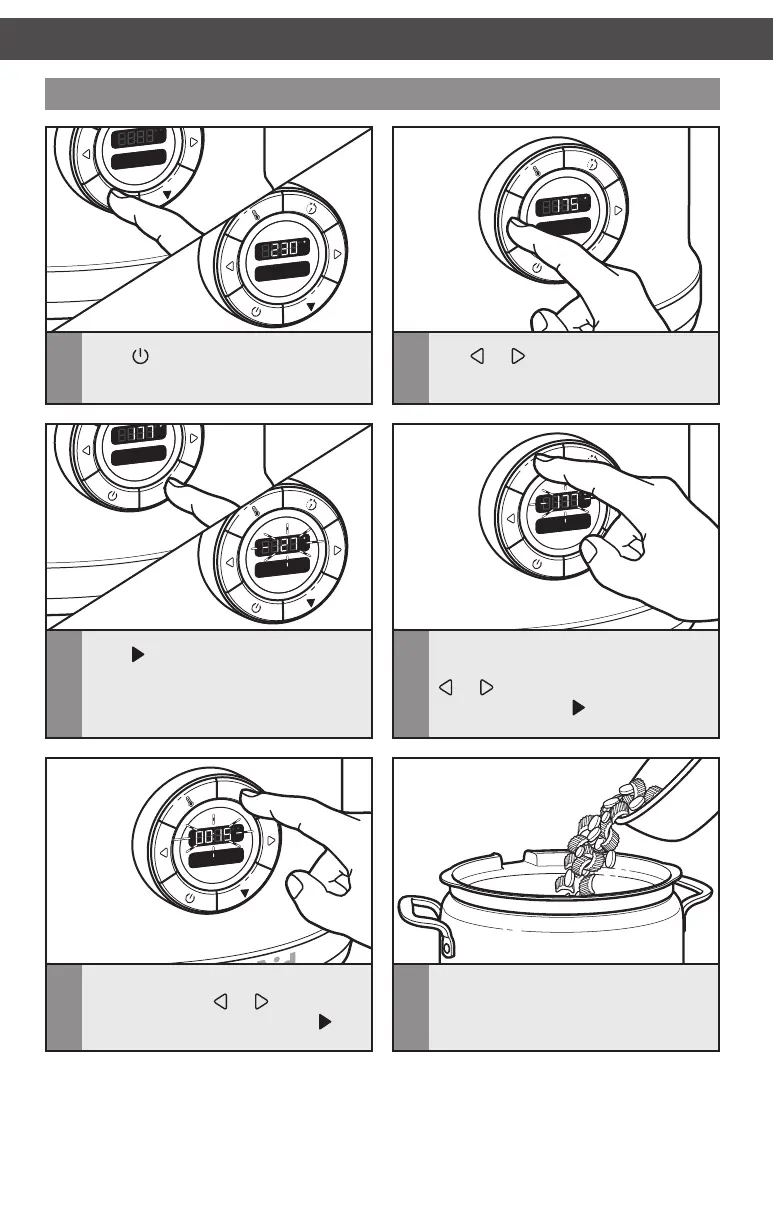
Place ingredients in the cooking pot�
Setting a cooking mode
F
Sear
Sauté
F
h
C
2
Use or to scroll to the desired
cooking mode or method� The default
cooking temperature will be displayed�
1
Press �
3
Press to select the cooking method
or mode� The displayed temperature
will change as the Multi-Cooker
preheats�
F
Sear
Sauté
F
h
C
4
To adjust the temperature, if desired,
press the TEMP button, then press
or to decrease or increase the
temperature� Press
to confirm� See
“Cooking Modes” chart for options�
F
Sear
Sauté
F
h
C
5
To set the cook timer, if desired, press
TIMER, then use
or to increase
or decrease the cook time� Press
to
start the timer countdown�
W10778323A_v05.indd 18 3/26/15 5:17 PM



 To Next Page