6
PRODUCT USAGE
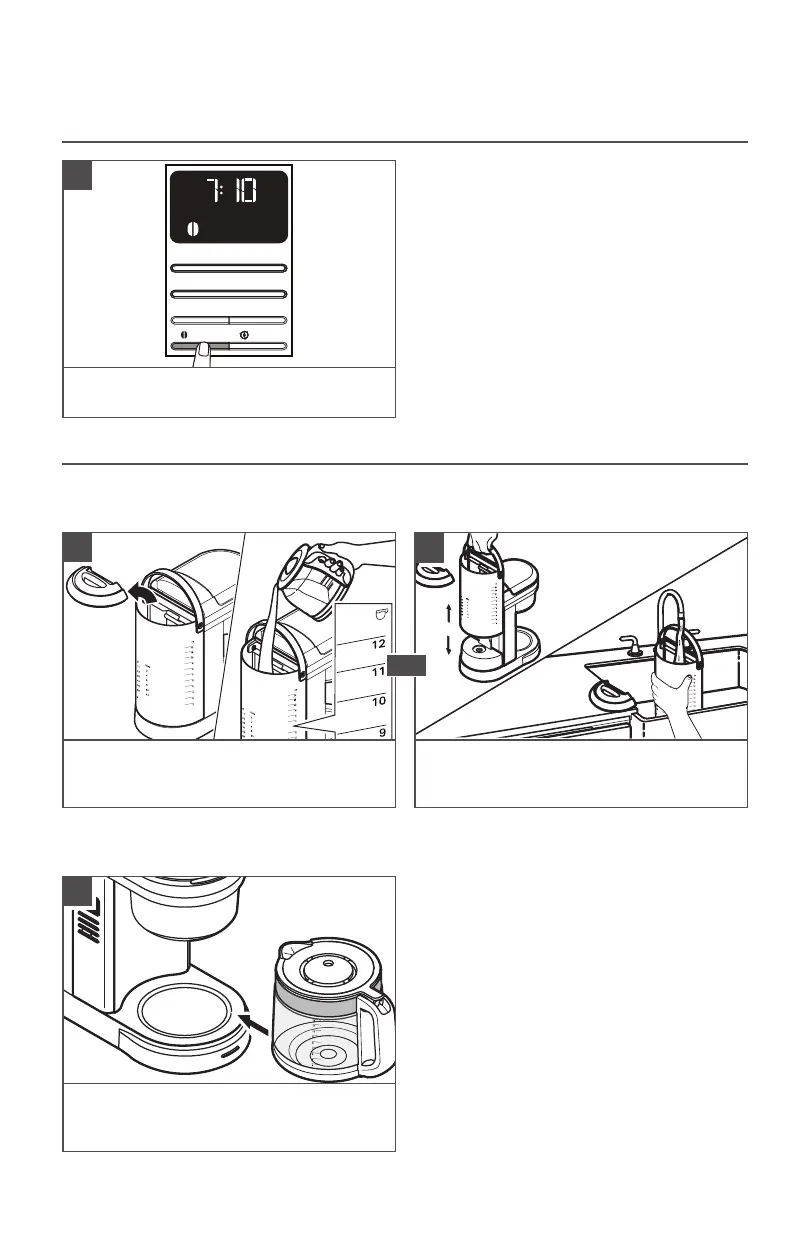
SETTING THE BREW STRENGTH
NOTE: Regular is the default setting.
TIP: While brewing small batches (2-4 cups),
using the “Bold Setting” is recommended.
AM
PM
x
Hour
Bold
Clean
Minute
Auto Set
Brew/Cancel
1
To switch between Regular and Bold brew
strengths: Press the Bold button.
FILLING WATER FOR BREWING
TIP: Brew 2 Carafe of fresh, cool water and discard before brewing the first Carafe of
coffee.
Pour fresh water in the Water Tank.
Use the level markings. Then, close the lid
properly.
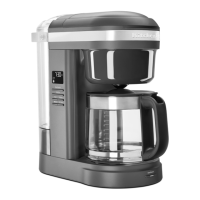
Lift the Water Tank up gently. Pour fresh
water in the Water Tank. Place the Water
Tank back in position properly.
AM
Auto Set
Hour
Bold
Clean
Minute
Brew/Cancel
Brew/Cancel
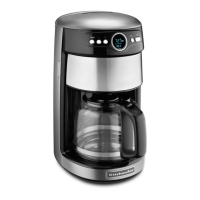
Place the Carafe in the Coffee Maker.
Make sure the Carafe lid is in place and
bottom of the Carafe is fully seated.
NOTE: Fill the Water Tank with only the amount of water needed to brew your desired
number of cups. If you put in 12 cups of water, the Coffee Maker will brew all 12 cups.
1
2
OR
1









 To Next Page