2
PARTS AND FEATURES
* Adjust the time by 1 minute for the first hour and then by 5 minutes for the next hour.
Adjust by 5 °F or 1 °C temperature, depending on the unit selected.
NOTE: Press and hold the Frozen button for 3 seconds to switch between the temperature
units Fahrenheit (°F) and Celsius (°C).
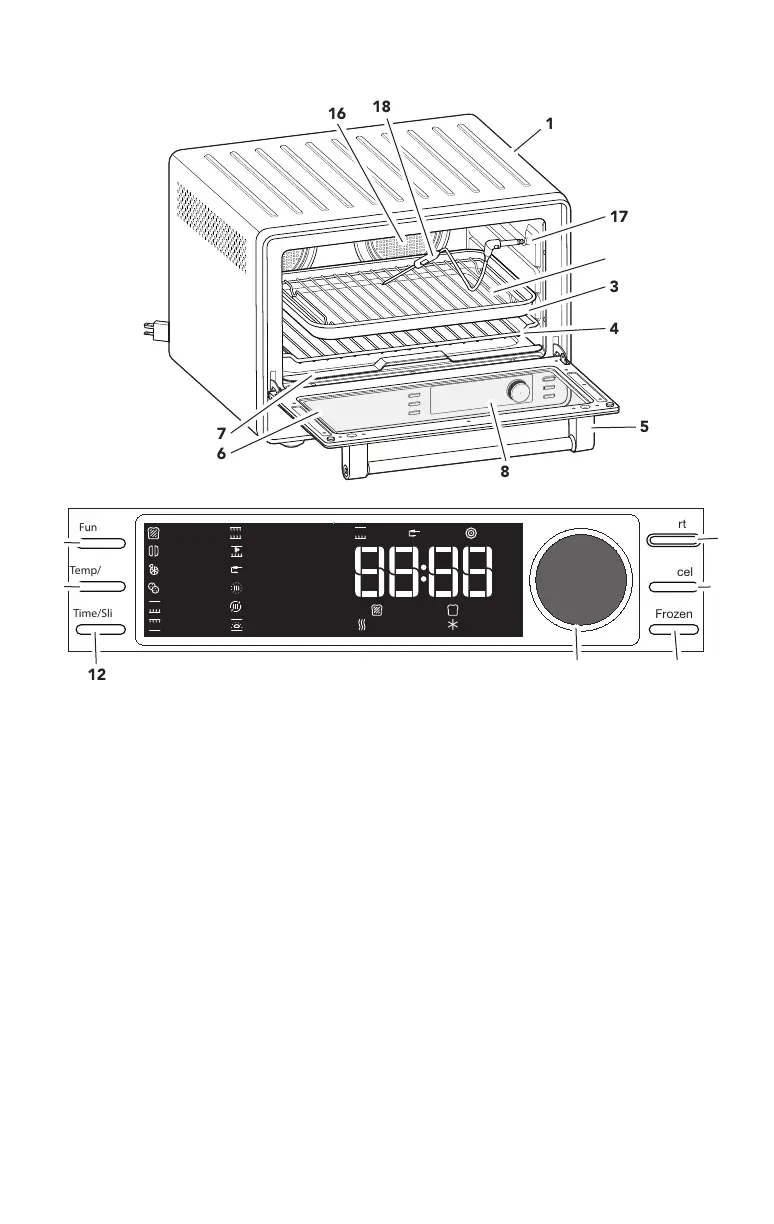
High-contrast LCD Display
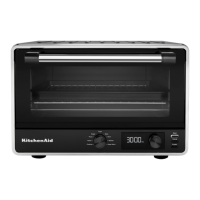
1 Cool down surface for Oven Rack
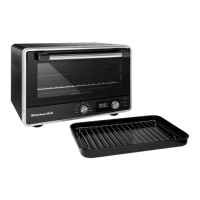
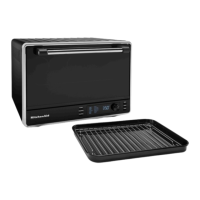
2 Chrome-plated Steel Broiling Rack
3 Enamel Multipurpose Pan
4 Chrome-plated Steel Oven Rack
5 Stainless Steel Door Handle
6 Toughened Glass Window
7 Removable Crumb Tray
8 High-contrast LCD Display
9 Start: Push to start selected function.
10 Cancel: Stops selected function.
11 Frozen: Push for frozen food items.
12 Time/Slices: Push to select time or
number of slices.
13 Temp/Shade: Push to select
temperature or shade.
14 Function: Push to select function.
15 Knob: Rotate and press to select
function, temperature, shade, time, or
number of slices*.
16 Convection Fans
17 Plug for Temperature Probe
18 Temperature Probe
4
1
6
5
17
3
8
16
18
7
2
Slices
Min
Hrs
°C
°F
Frozen
Preheating
Toast
Bagel
ReheatBake
Broil
Roast
Conv. Bake
Keep Warm
Pizza
Probe
Meat Probe
Target
Shade
Proof
Oven
Cookies
Function
Time/Slices
Start
Cancel
Frozen
15
12
9
10
13
14
11



 To Next Page