EasyManua.ls Logo

KitchenAid KEBS207D - Page 14

KitchenAid KEBS207D
50 pages
Print Icon
To Next Page IconTo Next Page
To Previous Page IconTo Previous Page
Loading...
Rising
Your
Oven
4.
Preheat
oven.
After
the
temperature
reaches
170°F,
the
temperature
display
will
show
the
actual
oven
temperature
at
each
5°F
increase
and
stop
at
the
set
temperature.
One
long
tone
will
sound
when
oven
is
preheated.
PRESS
YOU
SEE
(example
for
Bake)
(“Lo”
is
displayed
after
5
seconds
if
oven
temperature
is
below
170°F)
5.
Put
food
in
oven.
NOTE:
If
you
want
to
change
the
baking
temperature
after
baking
has
begun,
repeat
Steps
2,
3,
and
4.
6.
After
cooking,
turn
off
oven.
PRESS
CANCEL
OFF
(single
ovens)
OR
UPPER
OVEN
CANCEL
/Off
>'
\
LOWER
OVEN
CANCEL
/Off
(double
ovens)
YOU
SEE
(display
will
go
blank)
Roasting
NOTE:
Displays
and
command
pads
shown
are
from
double
upper
ovens.
In
some
cases,
lower
oven
and
single
oven
displays
and
command
pads
may
look
different
than
those
shown.
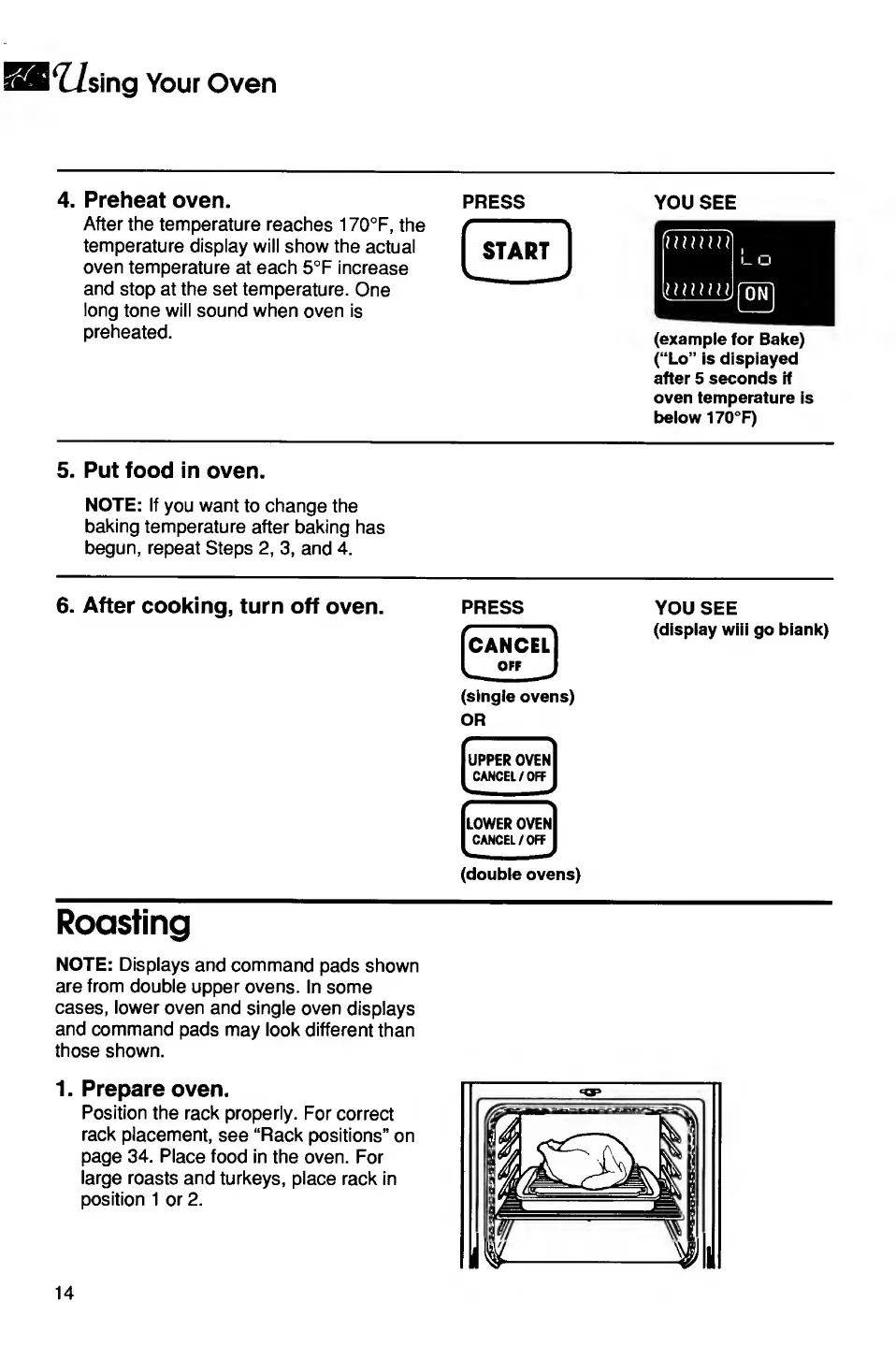
1.
Prepare
oven.
Position
the
rack
properly.
For
correct
rack
placement,
see
“Rack
positions”
on
page
34.
Place
food
in
the
oven.
For
large
roasts
and
turkeys,
place
rack
in
position
1
or
2.
14

Related product manuals