17
*Always refer to Service Sheet and Use and Care Manual for information specic to the refrigerator you are servicing.
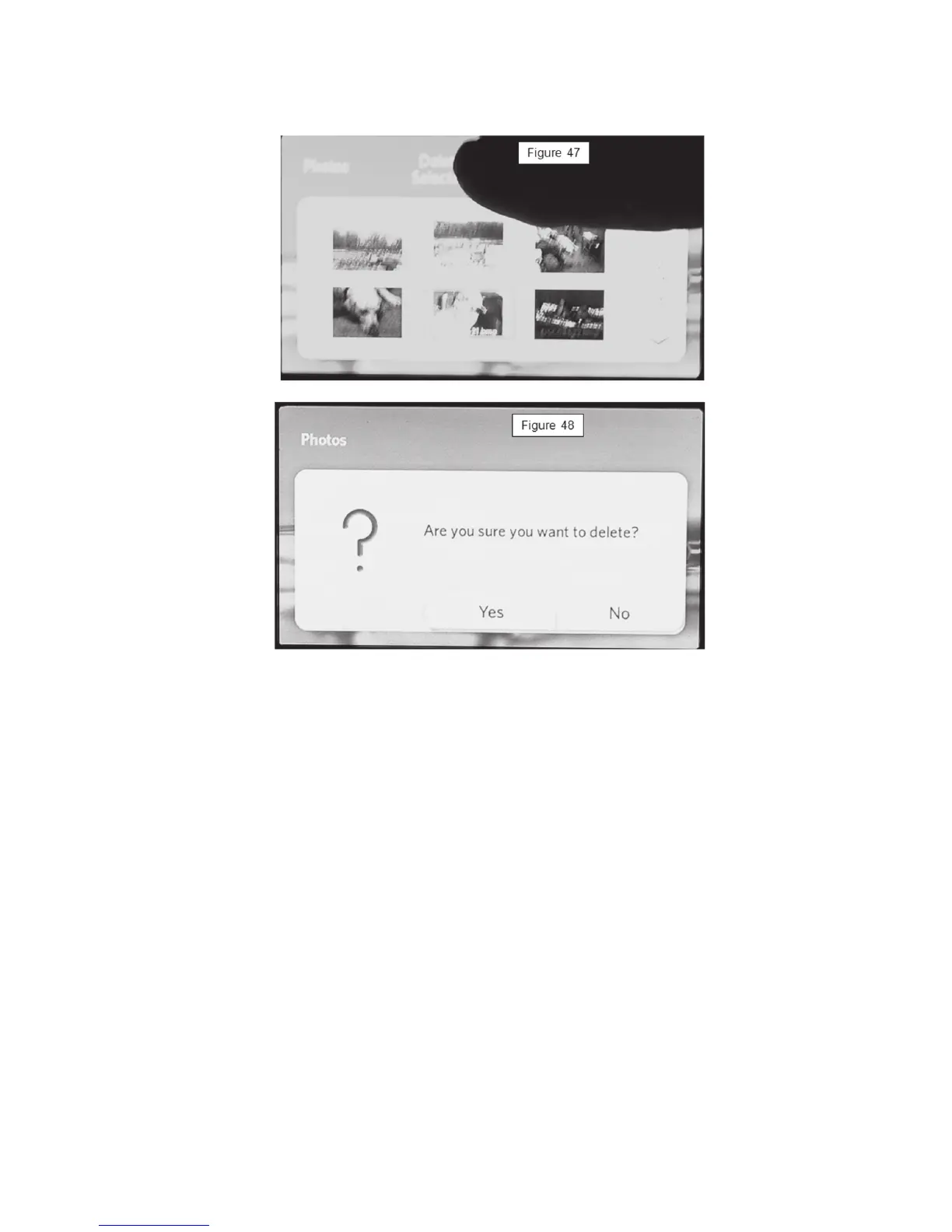
Deleting Photos
Delete Photos From Memory
Photos can be removed from the memory once uploaded.
1. Select the image you wish to delete by touching it. The selected photo will
be highlighted.
2. Press the Delete Selected pad to delete the selected photos, or touch the
Delete All pad to delete the page.
Note: A Factory Reset will also delete all uploaded from the display screen.



 To Next Page