COMPONENT ACCESS
Built-In Single and Double Wall Ovens
n
4-9
REMOVING THE DOOR LATCH AND OVEN
LIGHT SWITCH ASSEMBLY
Open the oven door to expose the vent trim
located below the Control Panel.
Remove four mounng screws and remove the
vent.
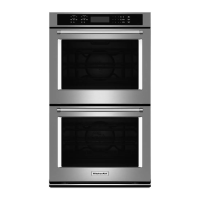
Locate and remove two Latch Assembly mounng
screws at the front of the assembly.
Push the Latch Assembly back and up to release it
from a mounng tab at the back.
Once removed from the tab, pull the assembly out
the front.
Must clear mounng tab
Picture shown with the Appliance Manager
mounng support removed for clarity
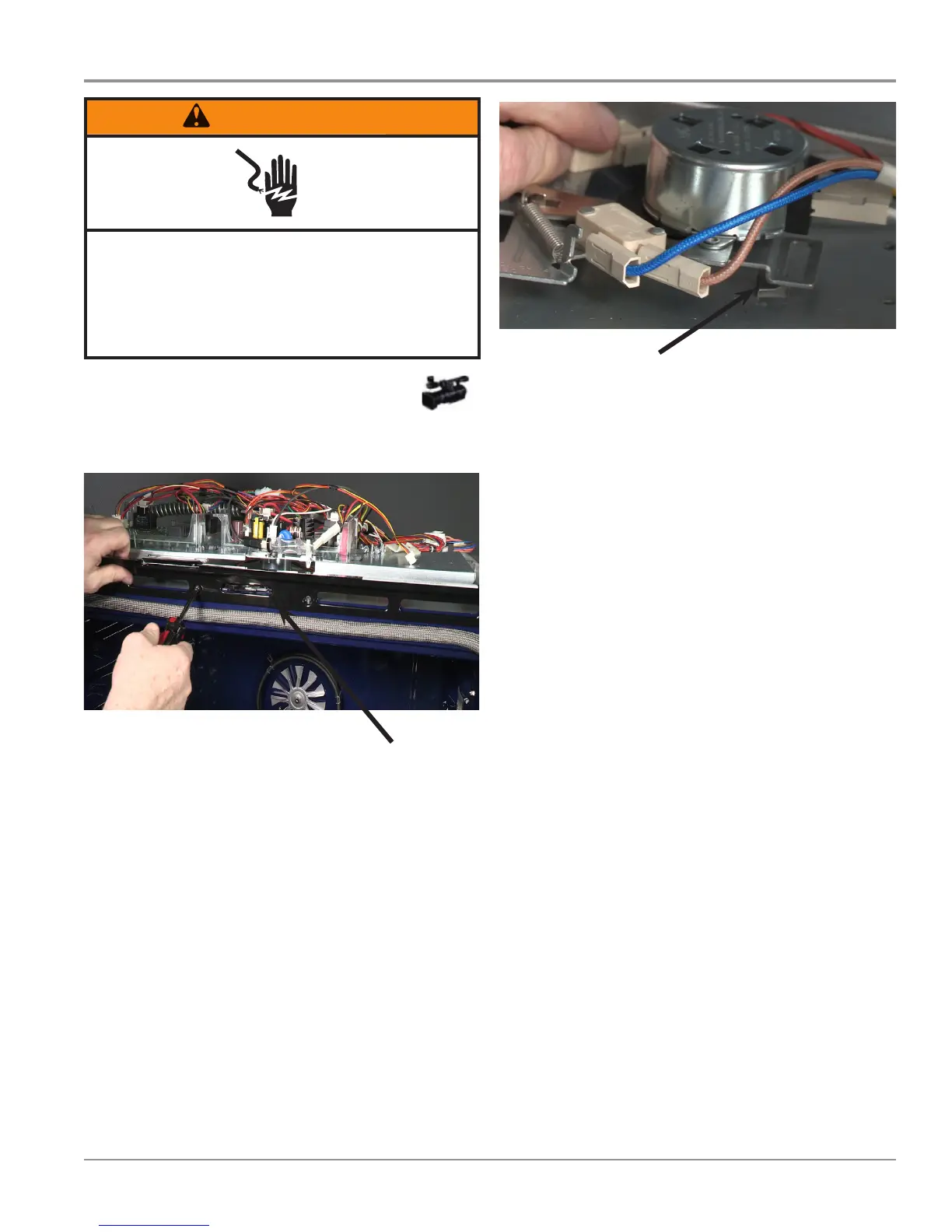
WARNING
Electrical Shock Hazard
Disconnect power before servicing.
Failure to do so can result in death or
electrical shock.
Replace all parts and panels before operating.



 To Next Page