TROUBLESHOOTING
1. If the baking timer display remains
dark and the Wafe Baker fails
to heat:
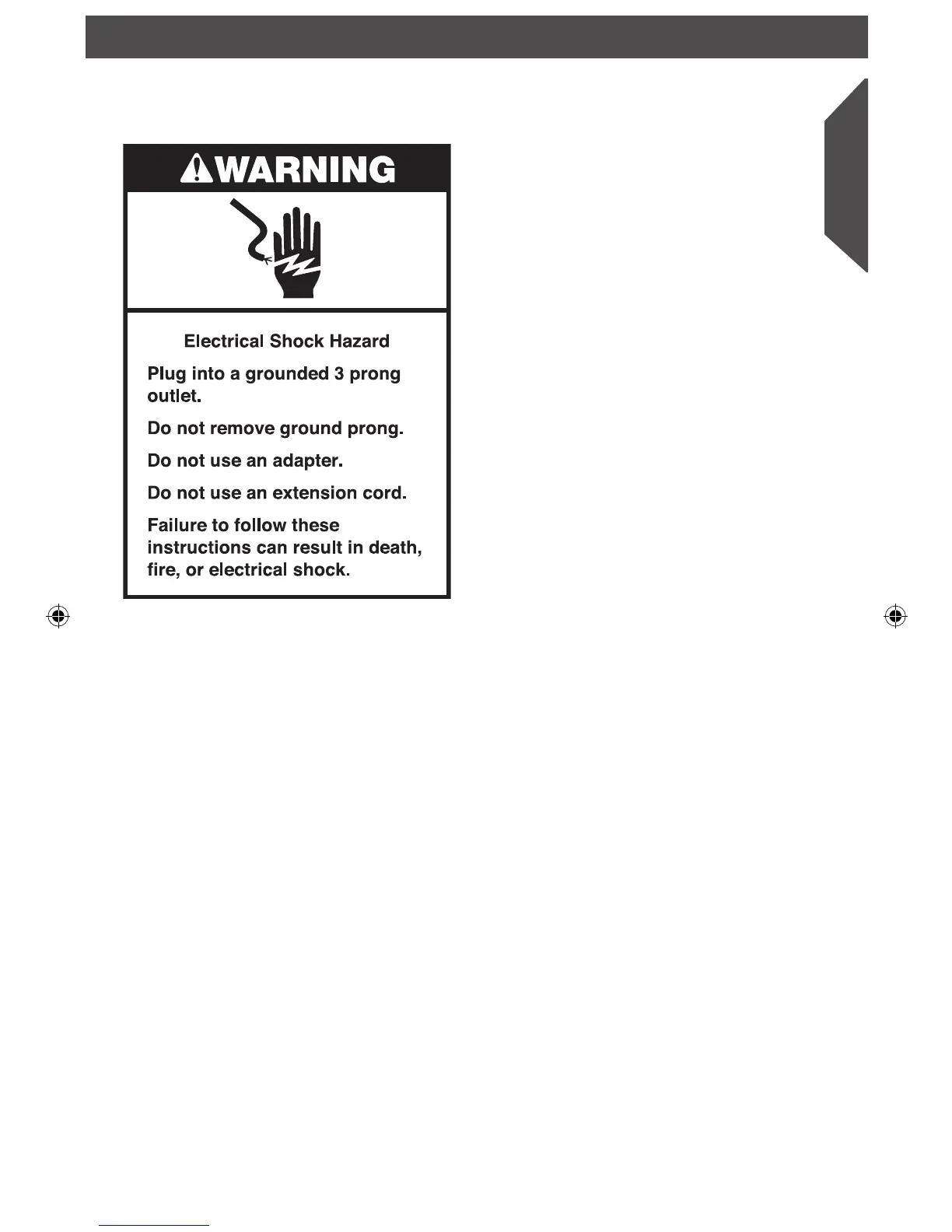
• Make sure the Wafe Baker is plugged into
a grounded 3 prong outlet. If it is, unplug
the Wafe Baker, then plug it back into
the same outlet again. If the baking timer
display remains unlit, check the fuse or
circuit breaker on the electrical circuit the
Wafe Baker is connected to and make
certain the circuit is closed.
2. If your wafes are thin or uneven,
with gaps and spaces:
• Always rotate the baking unit after lling
a wafe plate with batter. This coats both
the upper and lower wafe plates with
batter and ensures the nest consistency.
3. If your wafes are too light or dark:
• Increase the baking time if your wafes
are too light; decrease the time if your
wafes are too dark. The baking time can
be affected by many factors, including
recipe ingredients, batter temperature,
and ambient humidity.
4. If the problem cannot be xed with the
steps above, see the “Warranty and
Service” section.
Do not return the Wafe Baker to the
retailer. Retailers do not provide service.
IMPORTANT: Steam is produced during every baking cycle and condensation may form
on the baker lids. This is normal.
W10591298A_ENv7.indd 13 4/7/14 2:50 PM


 To Next Page