EasyManua.ls Logo

KitchenAid SUPERBA KEBS176 - Page 10

KitchenAid SUPERBA KEBS176
39 pages
Print Icon
To Next Page IconTo Next Page
To Previous Page IconTo Previous Page
Loading...
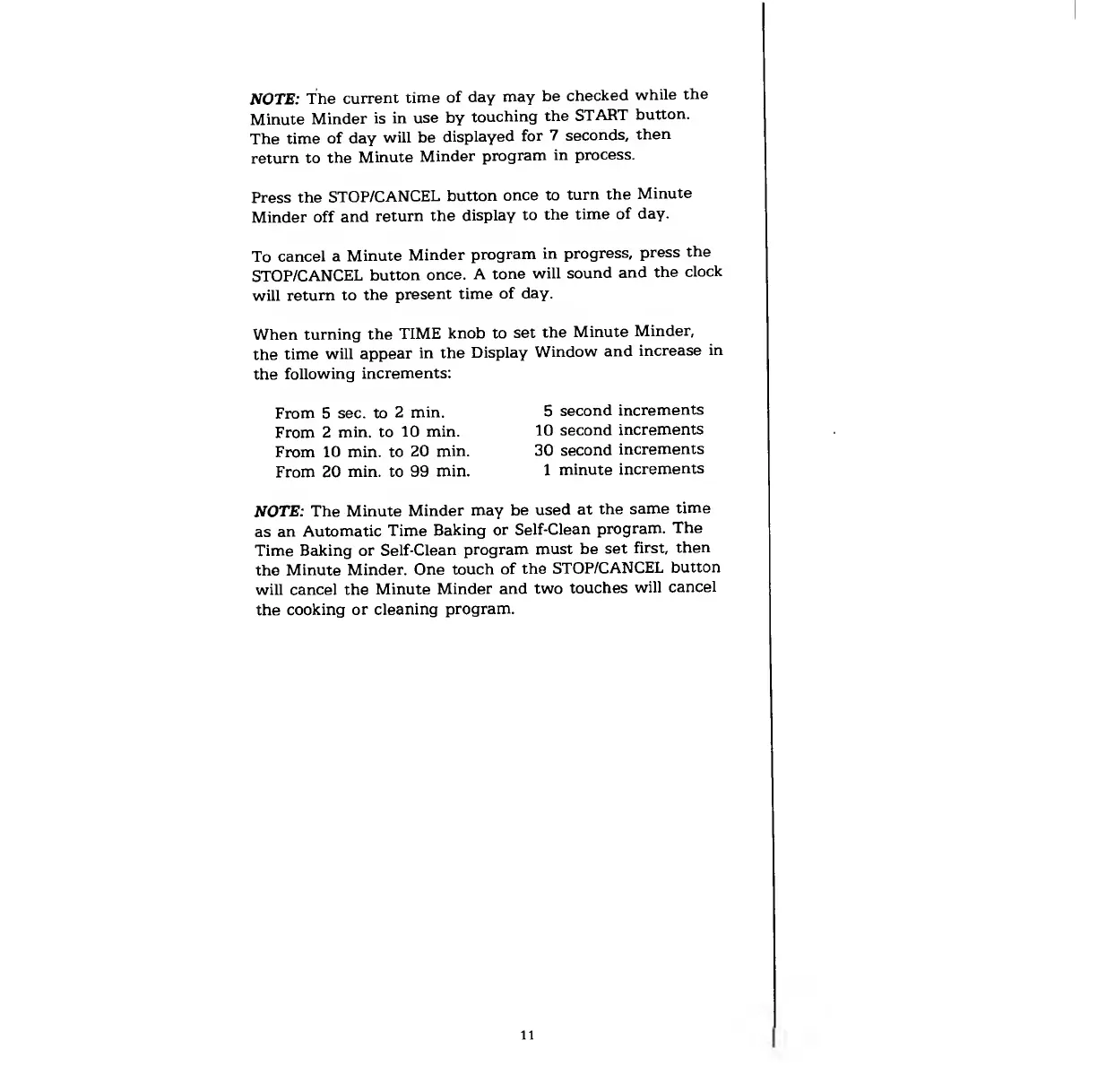
NOTE:
The
current
time
of
day
may
be
checked
while
the
Minute
Minder
is
in
use
by
touching
the
START
button.
The
time
of
day
will
be
displayed
for
7
seconds,
then
return
to
the
Minute
Minder
program
in
process.
Press
the
STOP/CANCEL
button
once
to
turn
the
Minute
Minder
off
and
return
the
display
to
the
time
of
day.
To
cancel
a
Minute
Minder
program
in
progress,
press
the
STOP/CANCEL
button
once.
A
tone
will
sound
and
the
clock
will
return
to
the
present
time
of
day.
knob
to
set
the
Minute
Minder,
in
the
Display
Window
and
increase
in
When
turning
the
TIME
the
time
will
appear
the
following
increments:
From
5
sec.
to
2
min.
From
2
min.
to
10
min.
From
10
min.
to
20
min.
From
20
min.
to
99
min.
5
second
increments
10
second
increments
30
second
increments
1
minute
increments
NOTE:
The
Minute
Minder
may
be
used
at
the
same
time
as
an
Automatic
Time
Beiking
or
Self-Clean
program.
The
Time
Baking
or
Self-Clean
program
must
be
set
first,
then
the
Minute
Minder.
One
touch
of
the
STOP/CANCEL
button
will
cancel
the
Minute
Minder
and
two
touches
will
cancel
the
cooking
or
cleaning
program.
11

Related product manuals