EasyManua.ls Logo

KitchenAid SUPERBA KEBS176 - Page 9

KitchenAid SUPERBA KEBS176
39 pages
Print Icon
To Next Page IconTo Next Page
To Previous Page IconTo Previous Page
Loading...
ELECTRONIC
CLOCK
OPERATION
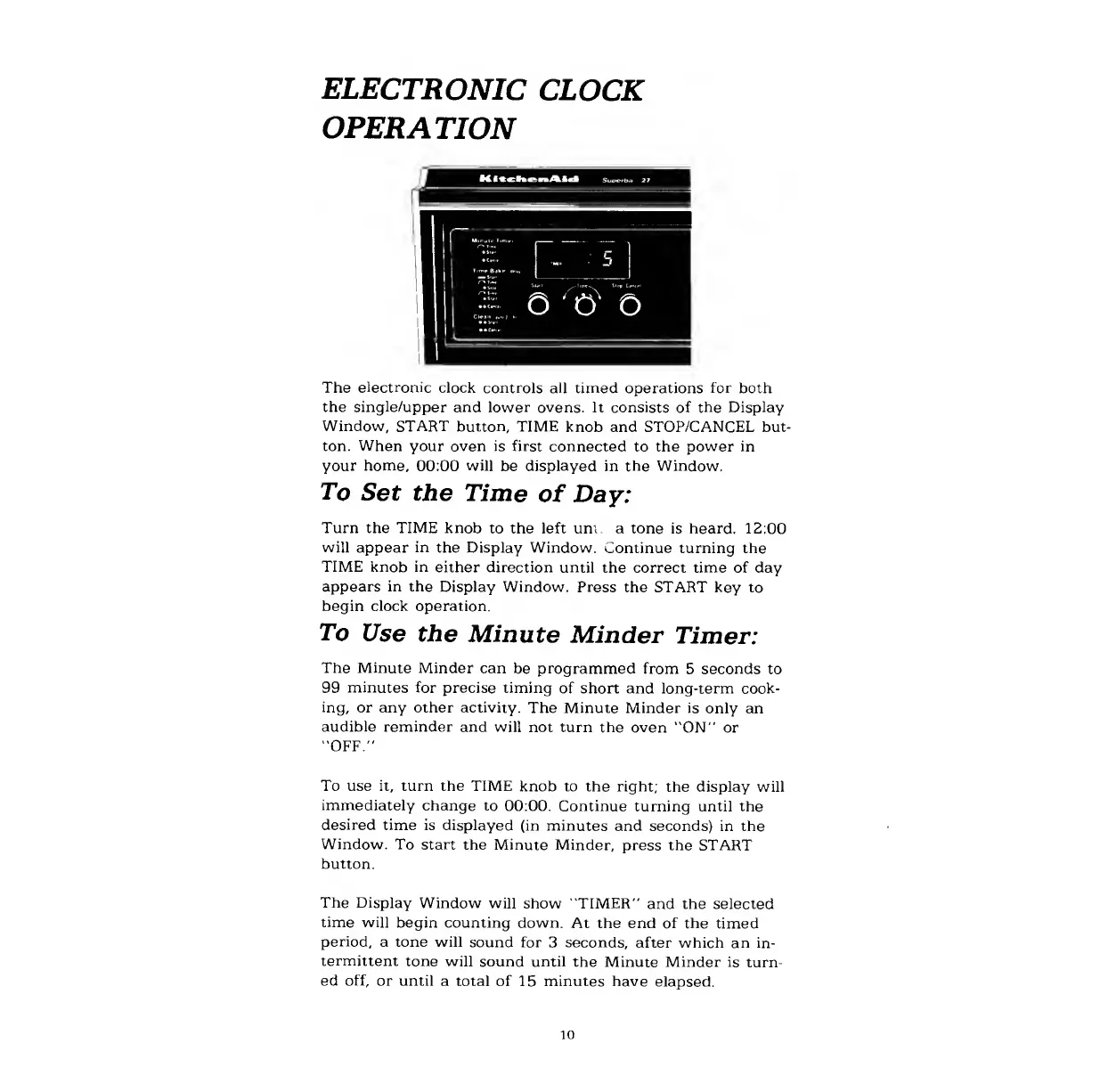
The
electronic
clock
controls
all
timed
operations
for
both
the
single/upper
and
lower
ovens.
It
consists
of
the
Display
Window,
START
button,
TIME
knob
and
STOP/CANCEL
but¬
ton.
When
your
oven
is
first
connected
to
the
power
in
your
home,
00:00
will
be
displayed
in
the
Window.
To
Set
the
Time
of
Day:
Turn
the
TIME
knob
to
the
left
uni
a
tone
is
heard.
12:00
will
appear
in
the
Display
Window.
Continue
turning
the
TIME
knob
in
either
direction
until
the
correct
time
of
day
appears
in
the
Display
Window.
Press
the
START
key
to
begin
clock
operation.
To
Use
the
Minute
Minder
Timer:
The
Minute
Minder
can
be
programmed
from
5
seconds
to
99
minutes
for
precise
timing
of
short
and
long-term
cook¬
ing,
or
any
other
activity.
The
Minute
Minder
is
only
an
audible
reminder
and
will
not
turn
the
oven
"ON"
or
"OFF."
To
use
it,
turn
the
TIME
knob
to
the
right;
the
display
will
immediately
change
to
00:00.
Continue
turning
until
the
desired
time
is
displayed
(in
minutes
and
seconds)
in
the
Window.
To
start
the
Minute
Minder,
press
the
START
button.
The
Display
Window
will
show
"TIMER"
and
the
selected
time
will
begin
counting
down.
At
the
end
of
the
timed
period,
a
tone
will
sound
for
3
seconds,
after
which
an
in¬
termittent
tone
will
sound
until
the
Minute
Minder
is
turn¬
ed
off,
or
until
a
total
of
15
minutes
have
elapsed.
10

Related product manuals