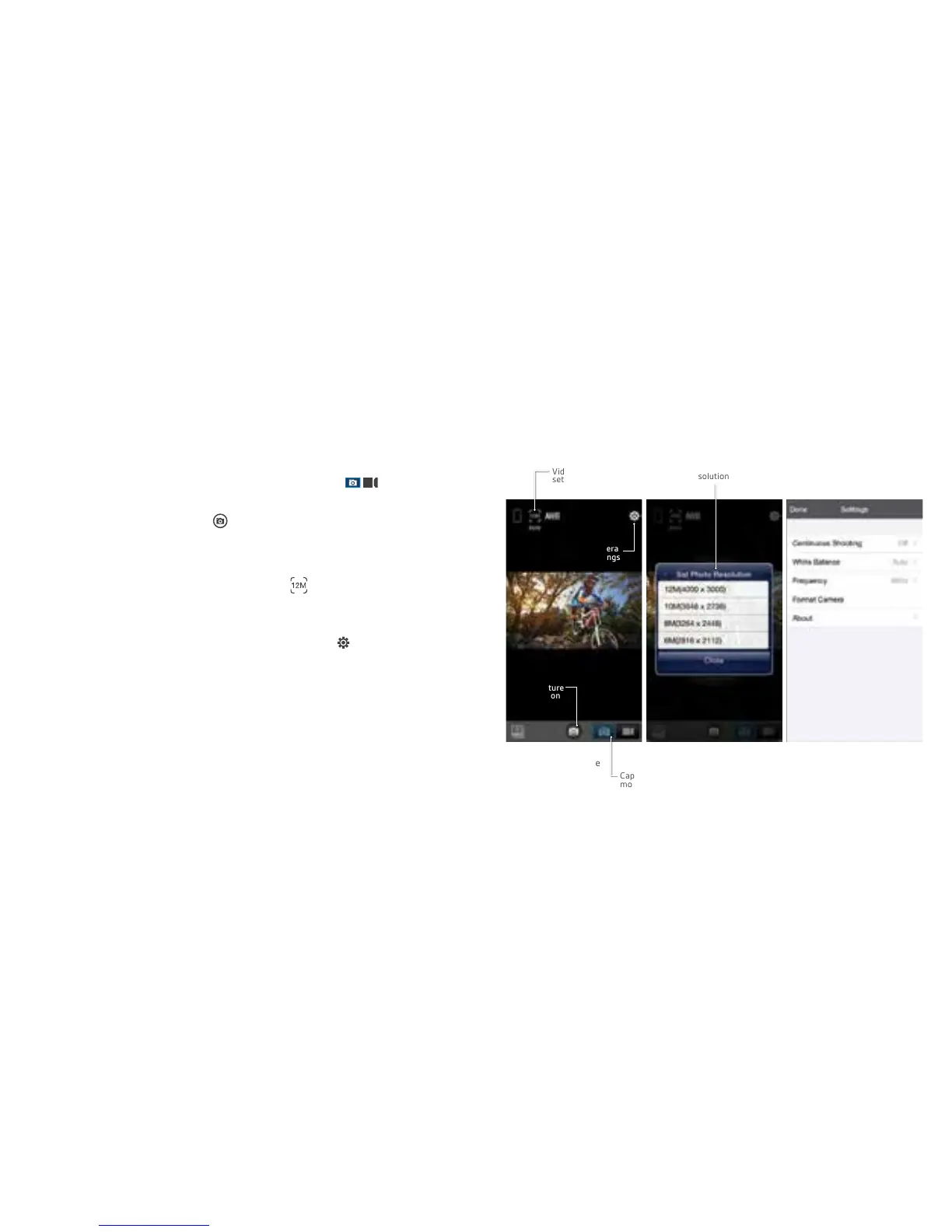
Figure 3:
Photo mode
Figure 4:
Photo resolution
settings
Figure 5:
Camera settings
Videoresolution
settings
Capture
mode select
Capture
Button
Using Wi-Fi for Photo mode (Figure 3/4/5)
1. Select Photo mode in the capture mode slider
2. Use the live feed to view your shot.
3. Press the capture button to take a photo.
4. Remaining photo space (dependant on storage) is shown
in the top left corner.
• To change the photo resolution press in Figure 3 and
you will receive a pop-up menu to change the resolution
(Figure4).Whitebalance,frequencysettingsandburstmode
can be changed by pressing Camera settings in Figure 3
and selecting the relevant headings in Figure 5
Camera
settings
Videoresolutionsettings
2726



 To Next Page