32
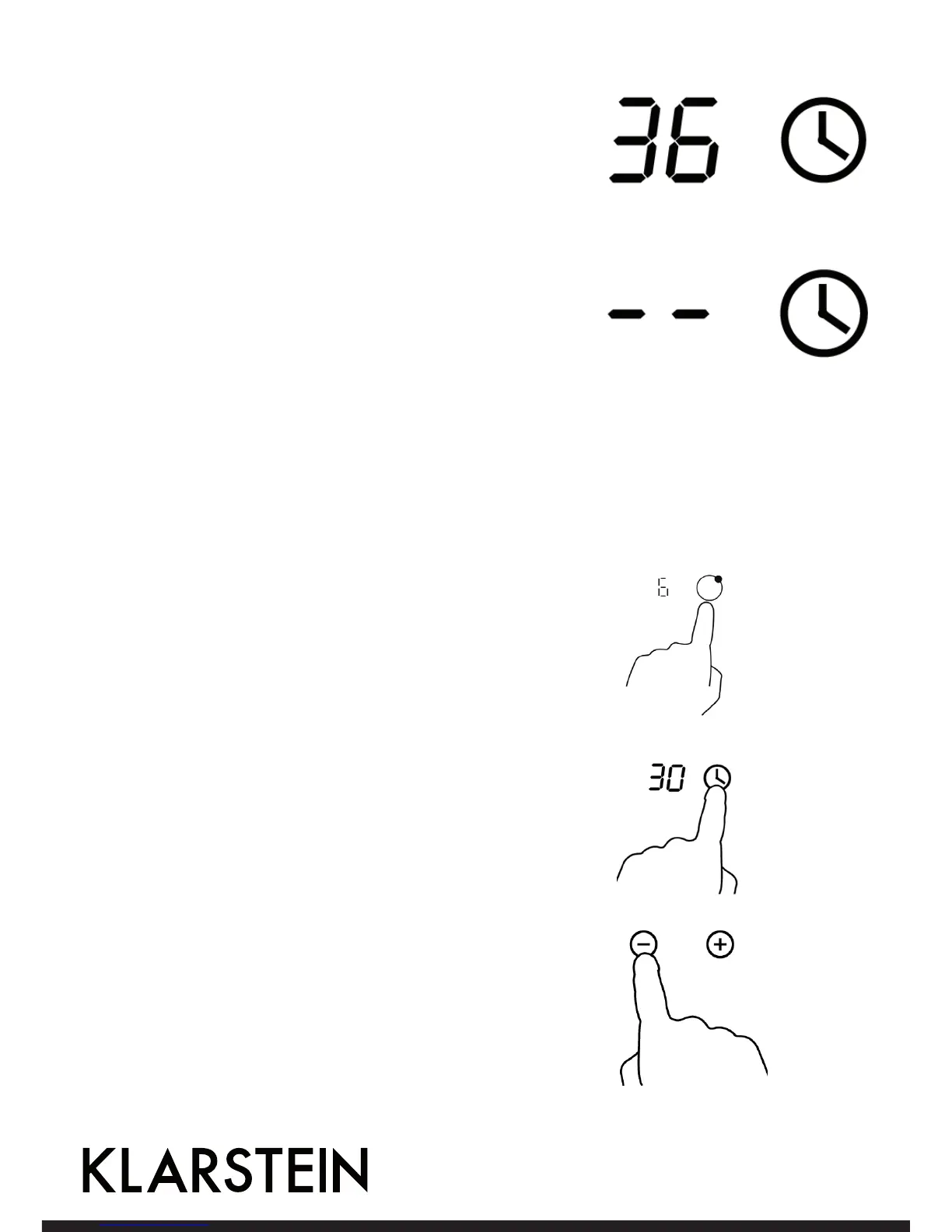
5. When the time is set, it will begin to count down immediately.
The display will show the remaining time and the timer
indicator will flash for 5 seconds.
6. Buzzer will bips for 30 seconds and the timer indicator shows
“- - “ when the setting time finished.
1. Touching the heating zone selection control that you want to
set the timer for. (e.g. zone 3#).
2. Touch timer control , The minder indicator will start flashing
and “30” will show in the timer display.
Setting the timer to turn one cooking zone off
3. . Set the time by touching the or control of the timer. Touch the
“-“ or “+” control of the timer once will decrease or increase by
1 minute. Touch and hold the ”-“ or “+” control of the timer will
decrease or increase by 10 minutes.


 To Next Page