29
EN
GENERAL OPERATION
Switch on/off device
After you have plugged in the plug, a beep sounds and the ON/OFF light starts
ashing. The display shows [C].
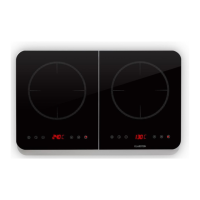
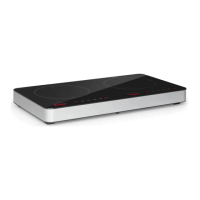
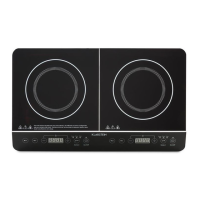
Place a suitable pot or pan on one of the cooking zones. Press ON/OFF once, the
display will show [ON] and the light will turn off. ON/OFF lights up. Press the function
button to select the desired function. When you have nished cooking, press ON/OFF
again to switch to standby mode.
FUNCTIONS AND MODES
Set power (left and right zone)
Press FUNCTION. The left display shows [1600]. The default is 1600 W. The right
display shows [1300]. The default is 1300 W. Use the [+] and [-] buttons to adjust the
power.
• The power of the left panel can be adjusted in the following steps:
• 200 > 400 > 600 > 800 > 1000 > 1200 > 1400 > 1600 > 1800 > 2000 W
• The performance of the right plate can be adjusted in the following steps:
200 > 400 > 600 > 800 > 1000 > 1200 > 1300 > 1500 W
Press FUNCTION to switch to another mode. Press ON/OFF to exit the settings.
Setting the Temperature (Left and Right Zone)
Press FUNCTION, the left and right displays will show [180]. The default left and right
temperature is 180°C. Use the [+] and [-] buttons to adjust the temperature.
• The temperature of the left plate can be adjusted in the following steps:
• 60 > 80 > 100 > 120 > 140 > 160 > 180 > 200 > 220 > 240 °C
• The temperature of the right plate can be adjusted in the following steps:
• 60 > 80 > 100 > 120 > 140 > 160 > 180 > 200 > 220 > 240 °C
Press FUNCTION to switch to another mode. Press ON/OFF to exit the settings.



 To Next Page