33
EN
OPERATION
1. Start-up
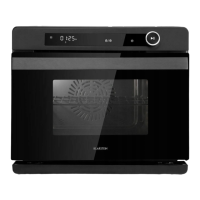
The machine enters the full-screen standby interface after a “beep” sound when it is
energized rstly by touching power ON
Note: During the setting process, if there is no operation for continuous in three
minutes all current settings will be cancelled and the machine will return to the
standby interface for a standby status.
2. Menu Selection
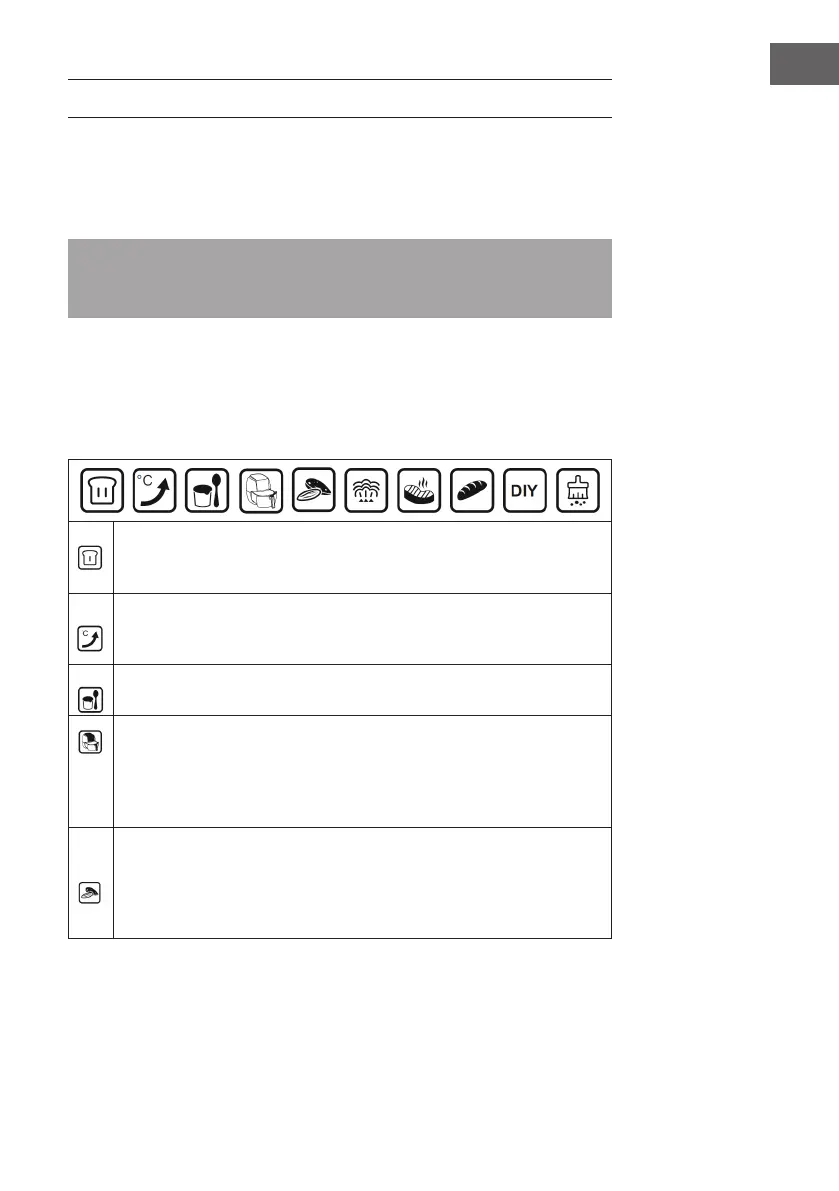
In standby mode, press the selection keys (< >) to switch to the menu selection. Steam
cooking is the default setting. Use the selection keys the selection keys (< >) to select
another program.
Fermentation: The steam function is active in this mode. The preset
temperature is 40 °C. The temperature can be set between 30-50 °C. The
time can be set between 0-7 hours.
Preheating: The preset temperature is 180 °C. When the oven has heated
up to 180 °C, the display shows [END] and a 10-fold beep sounds. You can
now proceed with baking or any other function.
Yogurt: The preset temperature is 45°C and cannot be changed. The preset
time is 8 hours and cannot be changed.
Drying and Roasting: When you select this menu, the corresponding icon
will appear on the display. The temperature display shows [P-1], the time
display shows the corresponding working time. Press the select key (>) to
select the desired program [P-1] to [P-9] (see MENUS AND PROGRAMS).
Press the Start/Pause button to start the program.
Drying and Roasting: When you select this menu, the corresponding icon
will appear on the display. The temperature display shows [L-1], the time
display shows the corresponding working time. Press the select key (>) to
select the desired program [L-1] to [L-9] (see MENUS AND PROGRAMS).
Press the Start/Pause button to start the program.


 To Next Page