34
EN
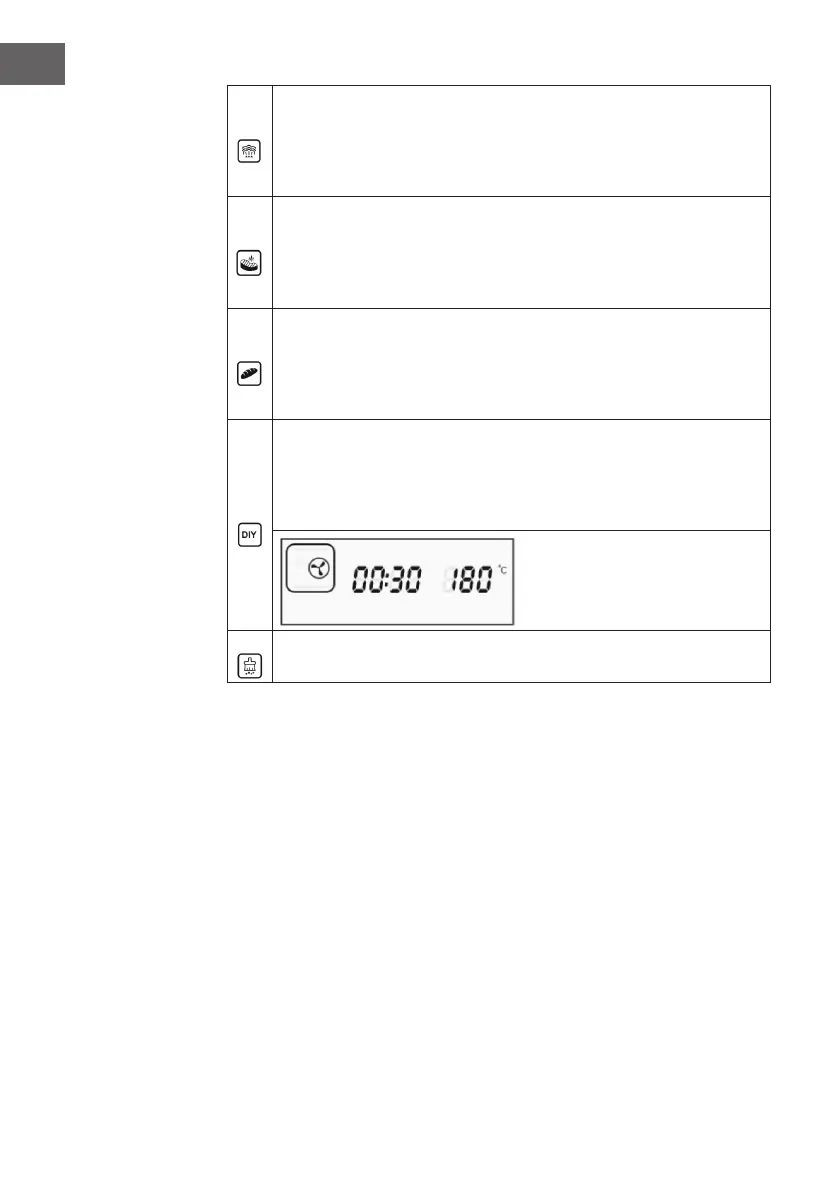
Steaming: If you select this menu, the corresponding symbol in the display
will appear. The temperature display shows [E-1], the time display shows the
corresponding working time. Press the selection key (>) to select the desired
program [E-1] to [E-9] (see MENUS AND PROGRAMS). Press the Start/
Pause button to start the program.
Roasting: When you select this menu, the corresponding icon will appear
on the display. The temperature display shows [F-1], the time display shows
the corresponding working time. Press the select key (>) to select the desired
program [F-1] to [F-9] (see MENUS AND PROGRAMS). Press the Start/
Pause button to start the program.
Baking: When you select this menu, the corresponding icon will appear on
the display. The temperature display shows [H-1], the time display shows
the corresponding working time. Press the select key (>) to select the desired
program [H-1] to [H-9] (see MENUS AND PROGRAMS). Press the Start/
Pause button to start the program.
DIY mode: When you select this menu, the corresponding icon in the display
will appear. Press the select key (>) to start the function selection. On the left
side of the display the corresponding symbol is shown (see picture). There are
9 different functions. Each time you press a key, you switch to the next function
and the symbol changes according to the function (see DIY Modes).
Descaling: If you select this menu, the corresponding symbol in the display
will appear. Descaling takes 50 minutes and cannot be stopped.


 To Next Page