37
EN
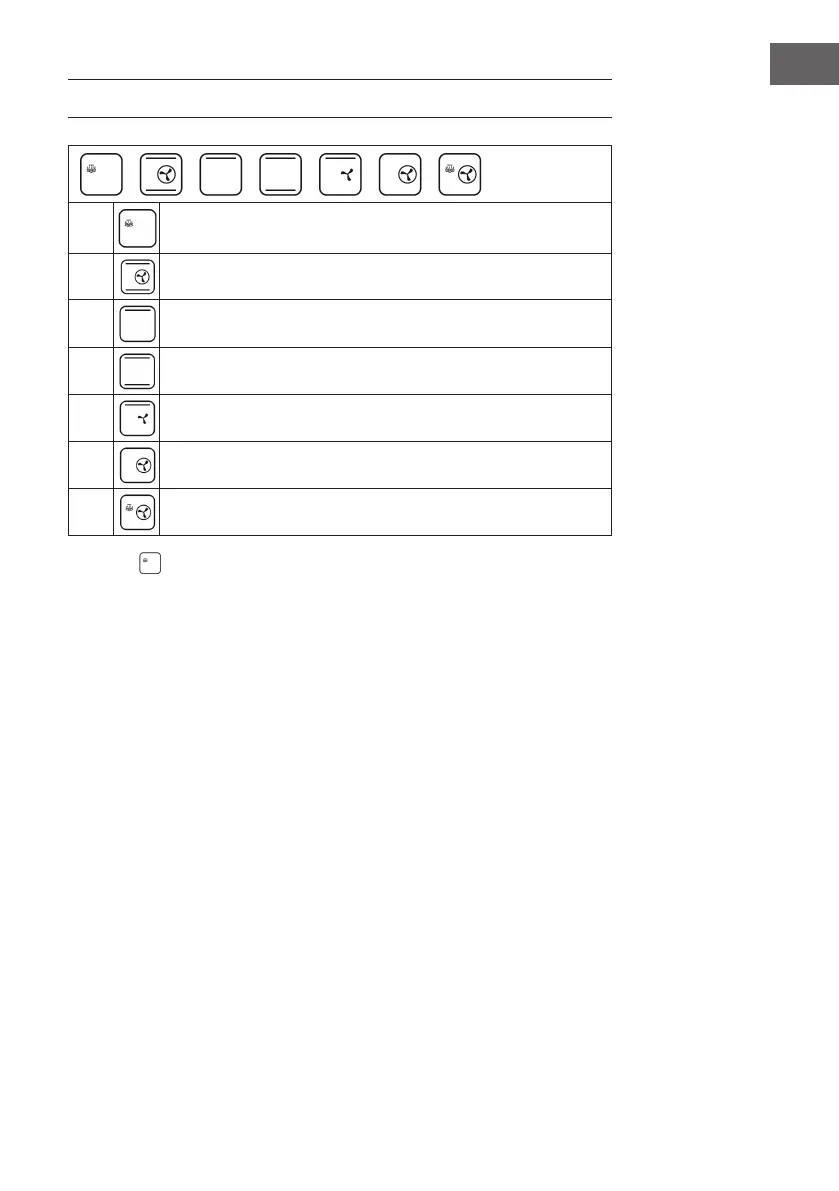
DIY FUNCTION MODES
1
Steaming / Steam cooking
2
circulating air + top heat + bottom heat
3
top heat
4
Top and bottom heat
5
circulating air + top heat
6
circulating air
7
High-temperature steam cooking
(1) Steam
The temperature can be adjusted in 5 °C increments from 50-110 °C. Before using the
function, open the oven door, remove the water tank and ll it with water to the MAX
mark. Replace the water tank and close the oven door.
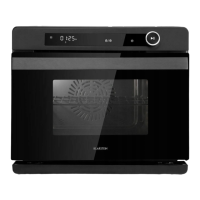
Press the selection key (>) to select the steam cooking function. The corresponding
symbol will ash on the display. Press the Start/Pause button, the hour indicator will
light up. Press the select button (>) and set the desired time (0-6). Press the Start/Pause
button, the minute indicator will light. Press the select key (>) and set the desired time.
(0-59) on. The default setting is 30 minutes. Press the Start/Pause button, the
temperature indicator lights up. Press the selection button (>) and set the desired
temperature (50-110 °C). The default setting is 100 °C. Press the Start/Pause button
again to conrm and start.


 To Next Page