14
ENGLISH
CAPACITANCE
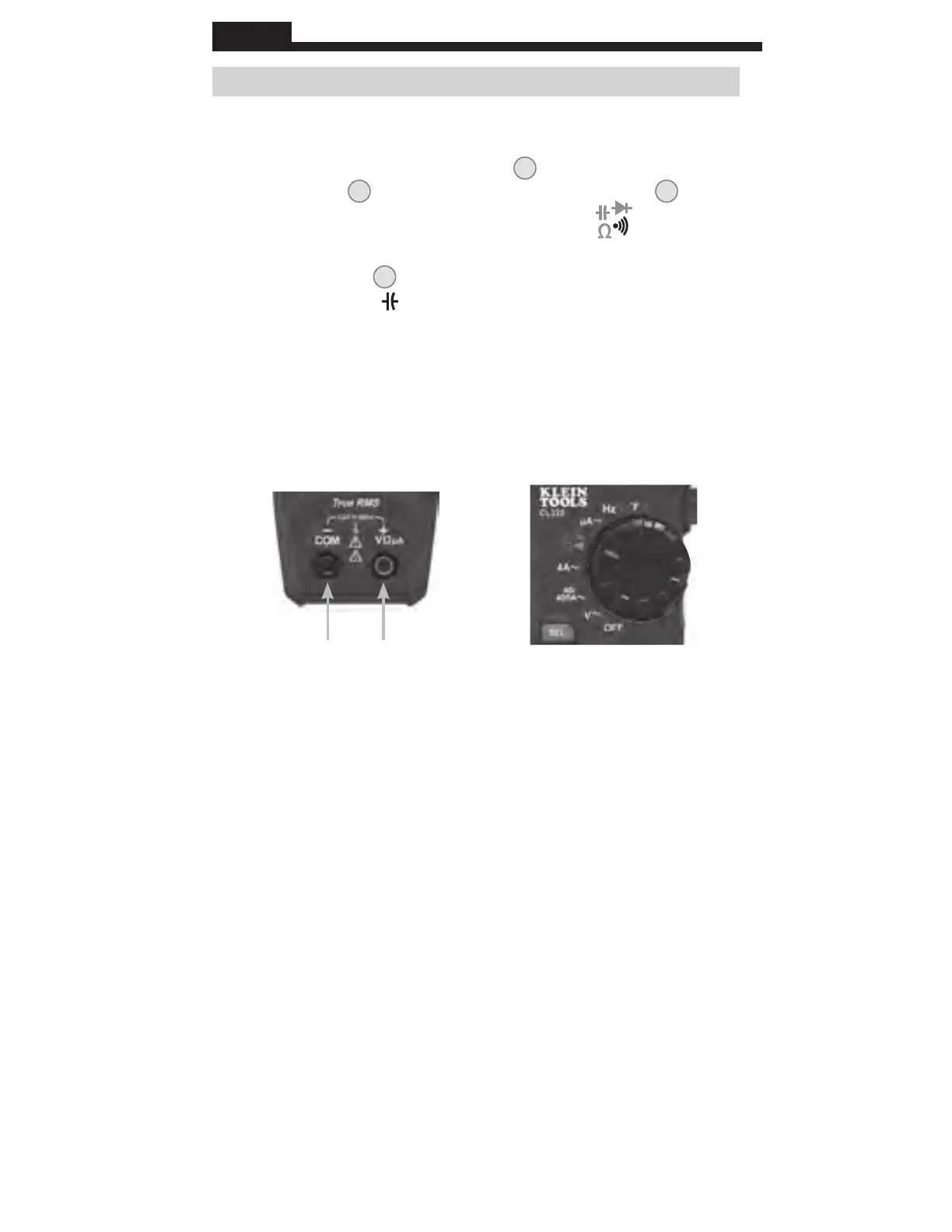
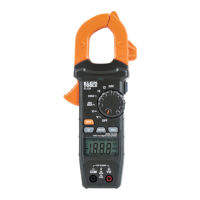
1. Insert RED test lead into VΩµA jack
5
, and BLACK test lead
into COM jack
4
, and rotate function selector switch
2
to the
Continuity/Resistance/Capacitance/Diode-T
est
setting.
NOTE: The meter defaults to Continuity testing in this mode. Press
the "SELECT" button
12
twice to enter Capacitance testing mode.
The Capacitance icon
will appear on the display. The meter
should read 0 nF with test leads open.
2. Remove power from circuit.
3. Measure capacitance by connecting test leads across the
capacitor
. The meter will auto-range to display the measurement
in the most appropriate range.
OPERATING INSTRUCTIONS
Red leadBlack lead
www.GlobalTestSupply.com
Find Quality Products Online at: sales@GlobalTestSupply.com






 To Next Page