5
OPERATING INSTRUCTIONS
CONNECTING TEST LEADS
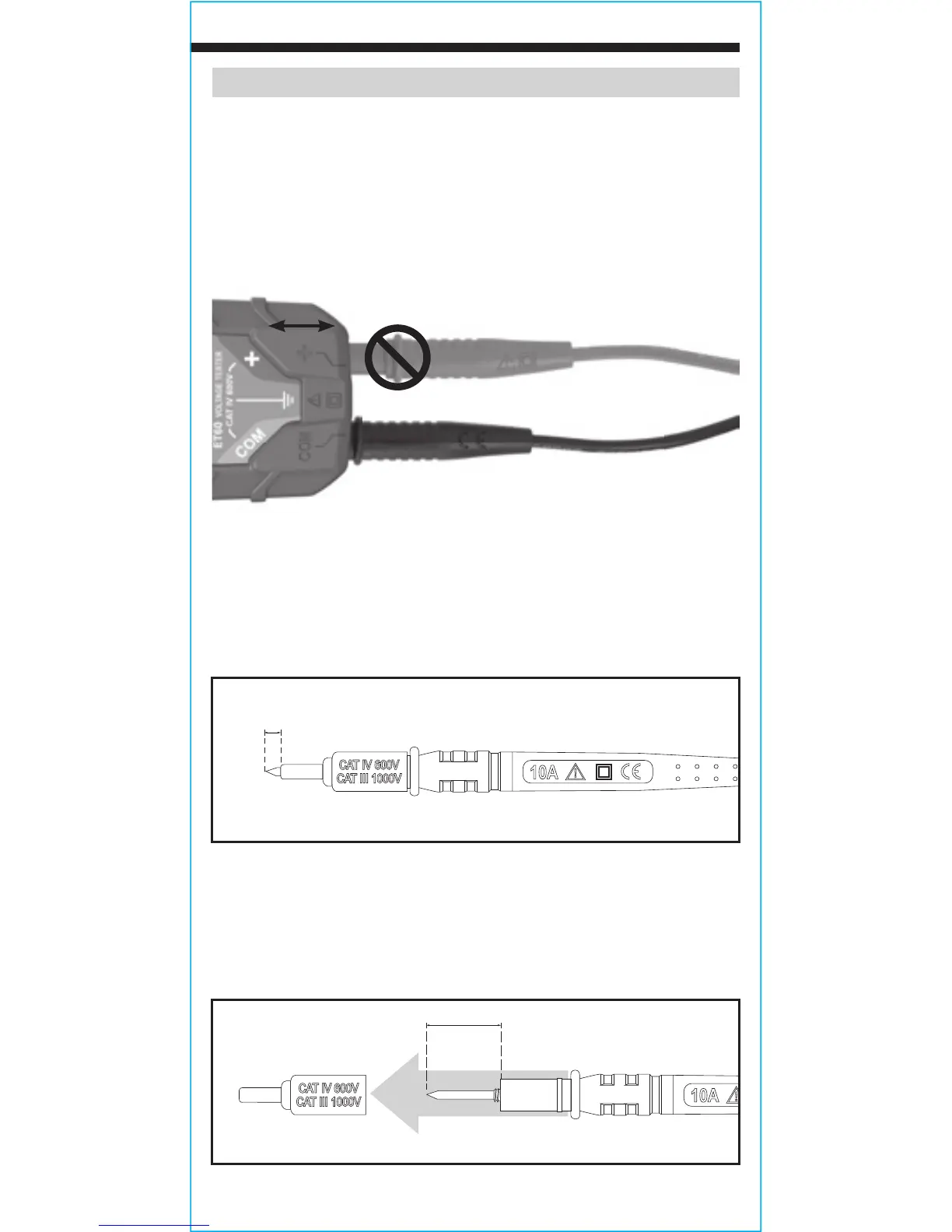
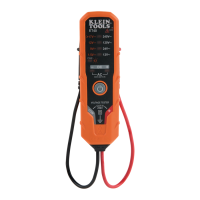
Connect test leads by inserting the black lead into the "COM" jack
and the red lead into the "+" jack. Do not test if leads are improperly
seated. Results could cause intermittent display readings. To ensure
proper connection, firmly press leads into the input jack completely.
TESTING IN CAT III / CAT IV MEASUREMENT LOCATIONS
Ensure the test lead shield is pressed firmly in place. Failure to use
the CATIII / CATIV shield increases arc-flash risk.
TESTING IN CAT II MEASUREMENT LOCATIONS
CAT III / CAT IV shields may be removed for CAT II locations. This
will allow testing on recessed conductors such as standard wall
outlets. Take care not to lose the shields.
5/32"
(4 mm)
.7" (18 mm)
INCORRECT
CORRECT




 To Next Page