3-1
CHAPTER 3: PREPARATION FOR USE
This chapter provides instructions for unpacking and preparing your equipment for
use in the field, including detailed instructions on the following:
TPU setup. Guidelines for installing the TPU to optimize performance and
equipment lifetime.
Computer setup. Guidelines for installing the Computer Display and Control
Unit (computer) to optimize performance and equipment lifetime.
Power connection. Power requirements and connection procedures and the
importance of proper grounding techniques.
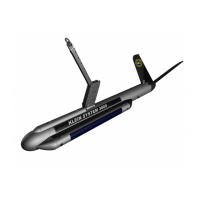
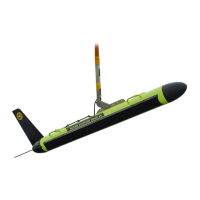
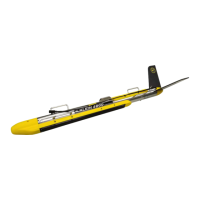
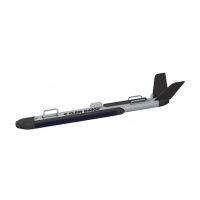
Towfish assembly. How to assemble the towfish.
Tow cable hookup. Proper techniques for attaching the tow cable to the
TPU, the computer, and the towfish to ensure noise free, safe towing.
3.1 Unpacking and Inspection
3.1.1 Unpacking the TPU
Remove the TPU from the shipping container and set it on a sturdy, flat surface.
Inspect the TPU for signs of damage. If there is any damage or if any items are
missing, immediately contact Klein Marine Systems, Inc. or your KMS sales
representative. Record the serial number of the TPU; it can be found on a sticker
on the rear of the unit.
3.1.2 Unpacking the Computer Display and Control
Unit (Computer)
Remove the computer from the shipping container, and set it on a sturdy, flat
surface. Inspect the computer for signs of damage. If there is any damage or if any
items are missing, immediately contact Klein Marine Systems, Inc. or your KMS
sales representative. Record the serial numbers of the computer modules.


 To Next Page