19
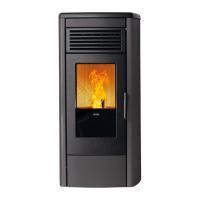
SOFT 80, SOFT 100 PELLET-BURNING STOVE
The support panel allows for managing the basic functions concerning the appliance’s operation when there is no remote
control.
The following operations can therefore be carried out:
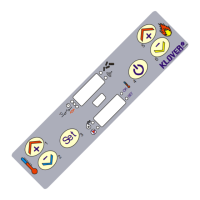
- SWITCHING ON/OFF: by pressing and holding button 1 (On/Off) for 2 seconds
- WORKING POWER CHANGE: whenever button 2 (Power) is pressed, the working power can be varied by selecting
one of the three available power levels (1, 3 or 5). With the help of LEDs 2 and 3 (Power status), it is possible to verify
which power level was chosen (see LED table).
Display
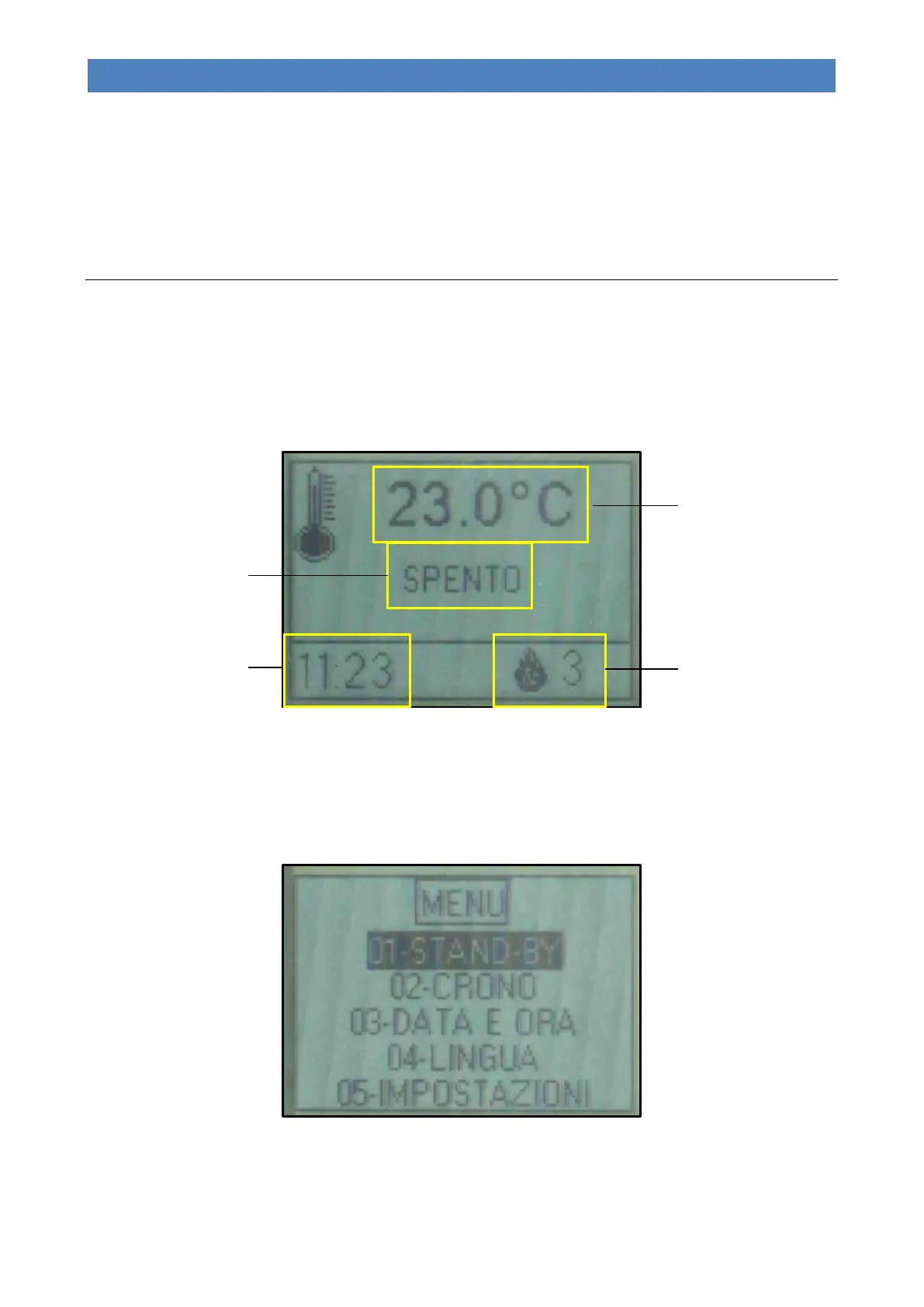
The remote control display shows information on the appliance’s operating status.
The display can be switched on by pressing button 3 (On/Off).
The underlying figure shows the display during normal operating conditions.
By accessing the menu through button 4 (Set), it is possible to obtain various types of display modes and perform
settings according to the selected menu.
The figure below shows the display when the menus are being browsed.



 To Next Page