20
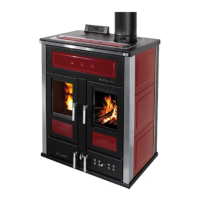
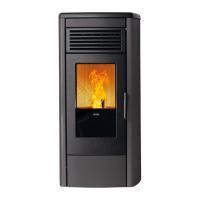
SOFT 80, SOFT 100 PELLET-BURNING STOVE
THE MENU
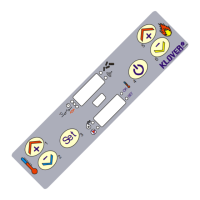
Pressing button 4 (Set) of the remote control allows for accessing the menu.
The menu is divided into various items and levels that allow for accessing the settings and programming options of the
appliance.
Buttons 1 and 2 (Increase and Decrease) can be used to select the menu to be modified.
Button 4 (Set) can be used to access the menu to be modified, saving the changed made.
Button 5 (Set) can be used to return to the previous menu level, saving the changed made.
Inside the menus to be modified, buttons 1 and 2 (Increase and Decrease) can be used to modify the value set in the
selected menu.
Listed below are the menus present on the PCB with the relevant explanations.
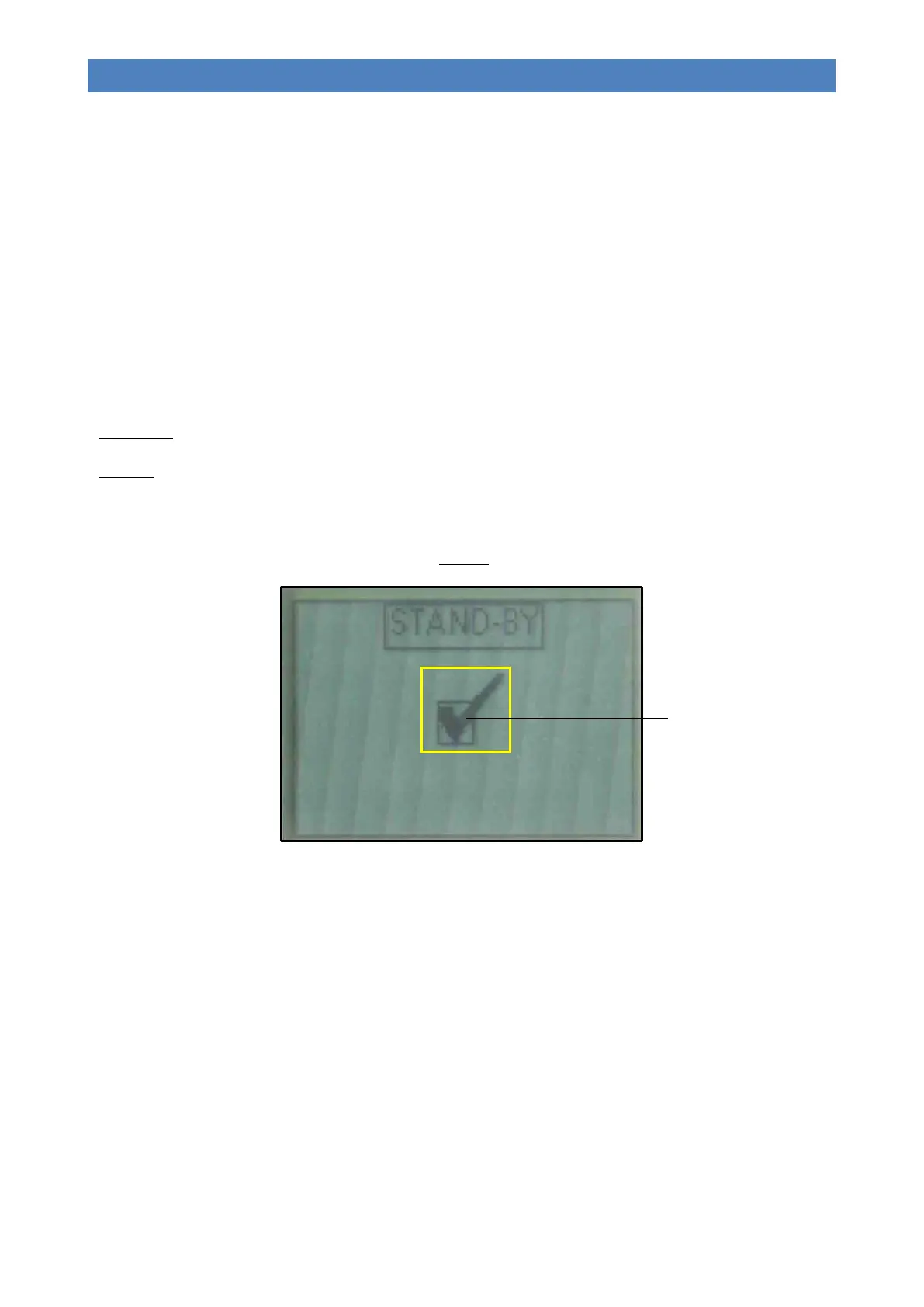
Menu 01 – Stand-by
If not enabled, the shutting down of the appliance is disabled even when the temperature set in “SET ROOM” is reached.
The working power will nevertheless be modulated; the word “MODULATION” will appear on the display.
If enabled, the appliance enter the modulation and/or shutdown mode once the temperature set in “SET ROOM” is
reached. During the modulation phase, the wording “OK ST-BY” will appear on the display; when the appliance shuts
down, “STAND-BY” appears.
The image below shows the display when STAND-BY is enabled:
Menu 02 – Chrono
Allows for accessing the various timer programmes (daily, weekly and weekend).
In order to prevent any undesired switching on/off operations, only activate and use a single programme at a time (daily,
weekly or weekend programme).
Sub-menu 02 – 01 – Enabl. chrono
Allows for enabling and disabling all the timer’s functions. For correct use, it should be enabled with buttons 1 or 2
(Increase and Decrease) when at least one on/off programme (daily, weekly or weekend) is enabled.



 To Next Page