.
devices may cause radio interference. Devices that gene
e electromagnetic waves must be kept away from the
unit - e.g., microwaves, wireless LAN devices, etc.
. USE YOUR SYSTEM
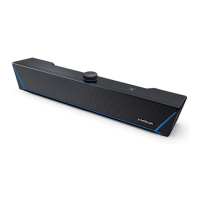
ou can use your Soundbar with the control panel or remote
d adjust the sound effect or select the audio source.
s of the control panel
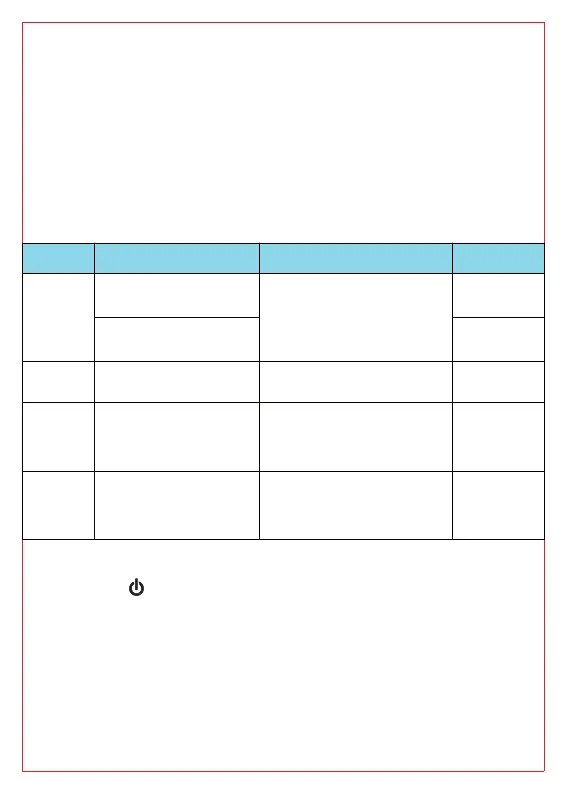
Button Operation LED Indicator
oic
Single press
Power on)
channels and
modes
/
Long press 1.
(Power off)
/
Click to switch audio
source
LED ligh
the audio source lights up
/
olume
Press or hold to add
volume
LED displays the
Maximum volume
, Return to the current
after 3s.
/
olume-
Press or hold to
volume
LED displays the
Minimum volume is
, Return to the current
after 3s.
/
Press the " " button to shut down and start up again, keeping
before the last shutdown.
After power on, the volume of each mode has memory function,
interfere with each other.
After power off and reboot, the volume will return to the
of 67% and other settings will remain the state before



 To Next Page