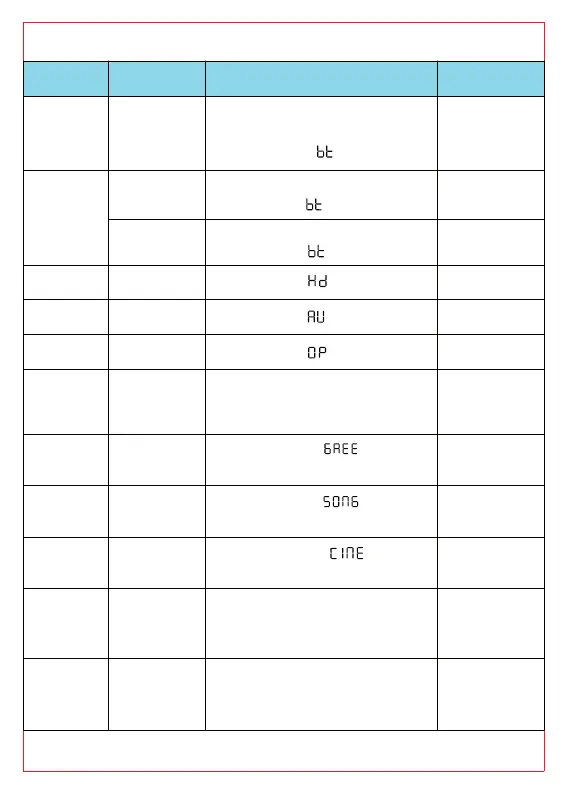
of the remote control
LED indicator
oice
rt press
Power on/off. When firstly
power on, the LED indicator
will display “ ” channel.
/
IN
rt press
Connected:
white LED keeps on
/
g
2s
Pairing mode:
White LED flashes
/
rt press
White LED keeps on /
IN
rt press
White LED keeps on /
rt press
White LED keeps on /
-
rt press
The LED displays volume
0-10, return to the current
channel after 3s.
/
rt press
LED displays for 2s
and returns to current mode
/
rt press
LED displays for 2s
and returns to current mode
/
rt press
LED displays for 2s
and returns to current mode
/
-
rt press
The LED displays volume
0-30, return to the current
channel after 3s.
/
rt press
When press: the LED
indicator will flash slowly: 1
second on,1 second off
/



 To Next Page