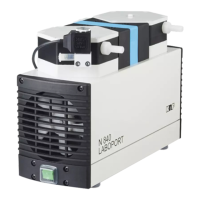
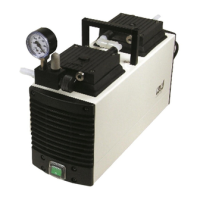
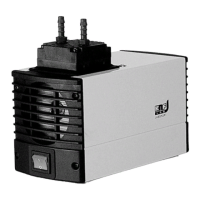
Servicing Diaphragm pump N96
28 Translation of Original Operating and Installation Instruction, English, KNF 316836-316838 01/20
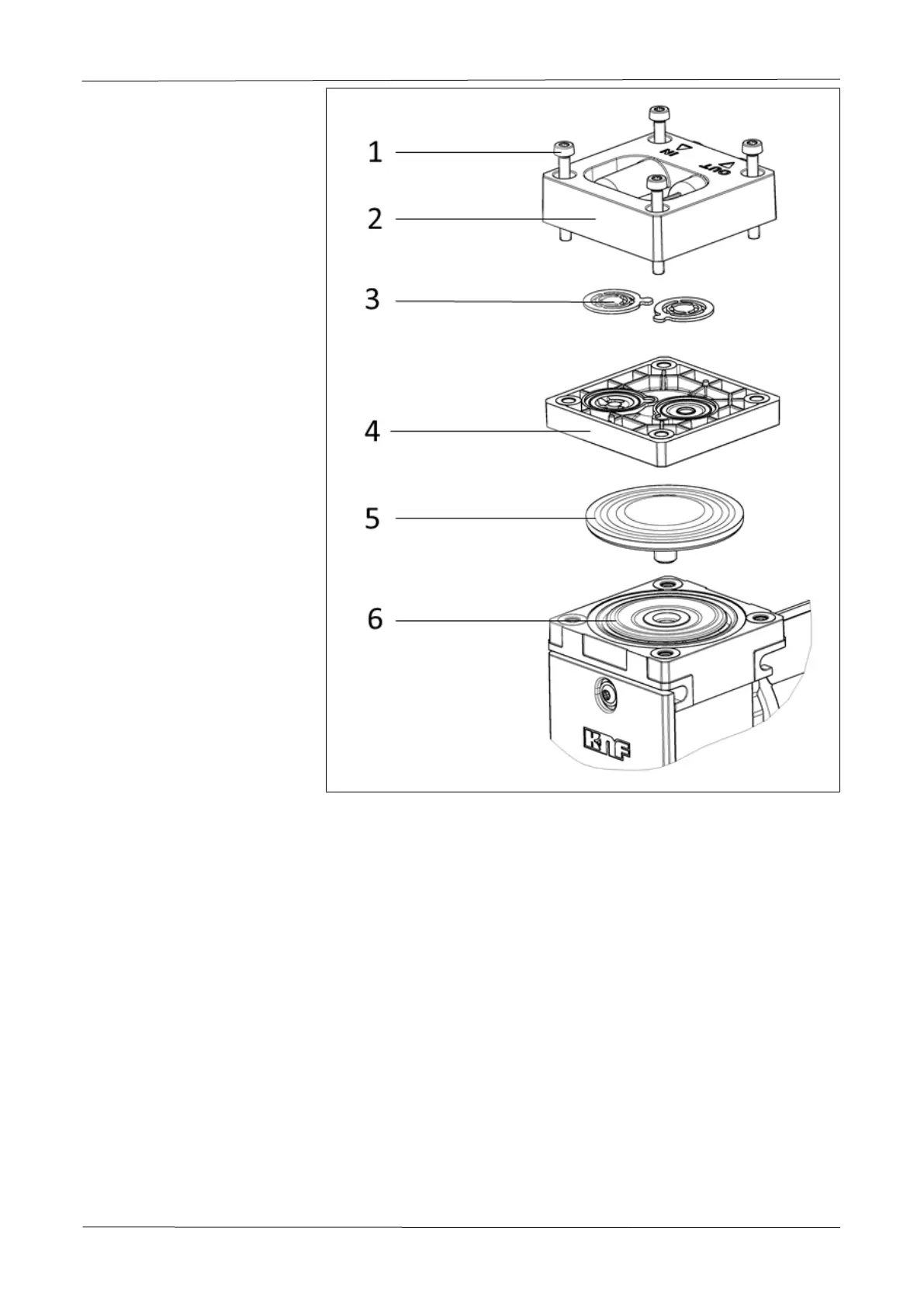
Fig.13 Exploded view
The item numbers within the following work instruction refer to Fig. 13.
Proceed as follows:
a.) Preparatory steps
à
Disconnect the pump from the power supply and check and ensure
that the pump is voltage-free.
b.) Remove pump head
à
Loosen the four head plate screws (1) and remove the head plate (2)
from the pump housing together with the intermediate plate (4).
c.) Replace diaphragm
1. Lift the diaphragm (5) on opposing side edges. Then grasp the di-
aphragm (5) and move the diaphragm (5) to the upper reversal point.
Unscrew the diaphragm (5) counterclockwise.
2. Check all parts for soiling and clean the parts if necessary (for further
information, see Chapter 9.2 Cleaning).


 To Next Page