CoolAdd
®
Manual / Bedienungsanleitung
CoolAdd 01.998.350.0 issue a page / Seite 19/59
)* Configuration as ordered – cable to be ordered separately
NB. If a hard wired configuration is required please read the following
notes carefully
The unit should only be connected by appropriately
qualified personnel (electrician). The personnel must ensure
that the server cabinet is electrically i solated for the
durati on of the connection work and i s secured against
unauthorised switch on.
Check whether voltage and frequency at installation site and
the fuse ratings match the information on the rati ng plate.
The connection to power supply is made using a terminal block.
To connect the unit to the power supply:
• Correctly shutdown all fuses
• Check the secure connection of the earth wi re.
Place the server cabinet correctly back in operation.
Switch on automatic fuses.
The unit's The unit’s fans rotate clockwise.
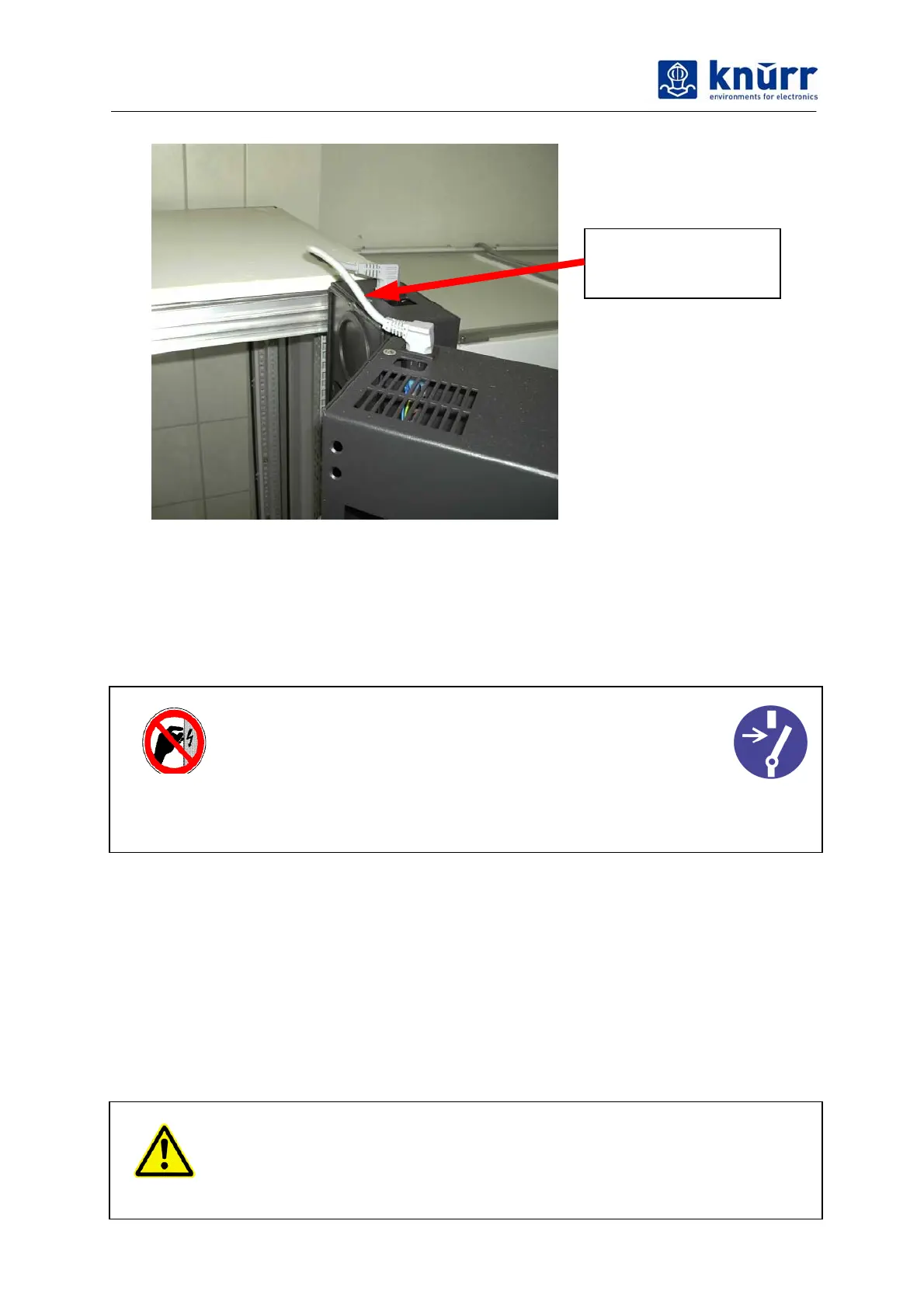
Power link between
fan door and heat
exchanger



 To Next Page