Need help?
Do you have a question about the Ko Propo EX-1 and is the answer not in the manual?
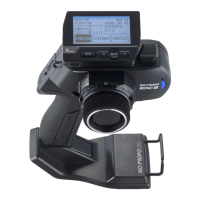
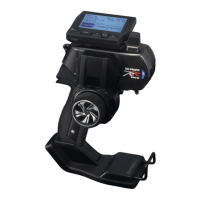
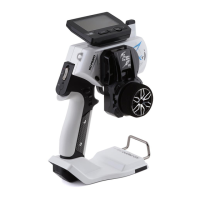
Insert the Grip Unit into the Master Unit, then attach the Steering Unit.
Detach the Steering Unit, then detach the Master Unit.
Instructions for installing batteries into the transmitter's battery box.
Explanation of low battery voltage warnings displayed on the screen.
Details on the alarm that sounds after 3 minutes of transmitter idleness.
Guidance on installing the receiver to minimize noise interference.
Instructions for positioning the antenna cable for optimal signal reception.
Specific receiver installation steps for electric R/C cars.
Specific receiver installation steps for glow engine R/C cars.
Steps to initiate the pairing process from the transmitter.
Steps to prepare the receiver for pairing with the transmitter.
Final checks and procedures after successful transmitter-receiver pairing.
How to navigate menus and change settings using Jog Dial, ENTER, and BACK keys.
Save, select, name, copy, and reset model memories.
Settings for steering control adjustments, including trim, travel, and response.
Settings for throttle control adjustments, including trim, brake, and acceleration.
Shortcut for basic initial setup of steering and throttle.
System settings including response, setup, pairing, and resets.
Switch between different saved model memories for various cars or settings.
Name the model memories to easily distinguish between them.
Copy the current model memory to a different model memory slot.
Return the current model memory to its default factory setting values.
Adjusts the neutral/center position of the steering angle range.
Adjusts the overall amount of steering servo movement at full lock.
Adjusts left/right steering angles independently for turning radii.
Adjusts the overall steering angle range to match neutral position.
Adjusts the neutral/center position of the throttle range.
Adjusts maximum throttle forward acceleration movement.
Adjusts the maximum amount of brake movement.
Adjusts overall throttle movement range for neutral position centering.
Conduct pairing or select FRANCE/GENERAL mode for 2.4GHz transmission.
 General
| Brand | Ko Propo |
|---|---|
| Model | EX-1 |
| Category | Remote Control |
| Language | English |


 To Next Page