45
ALL RESET
Initialize all model and system data.
SYSTEM
TIMER タイマー
TIMER
OFF
OFF
TIMER START
TRG START
LAP HISTORY
START/STOP KEY
LAP KEY
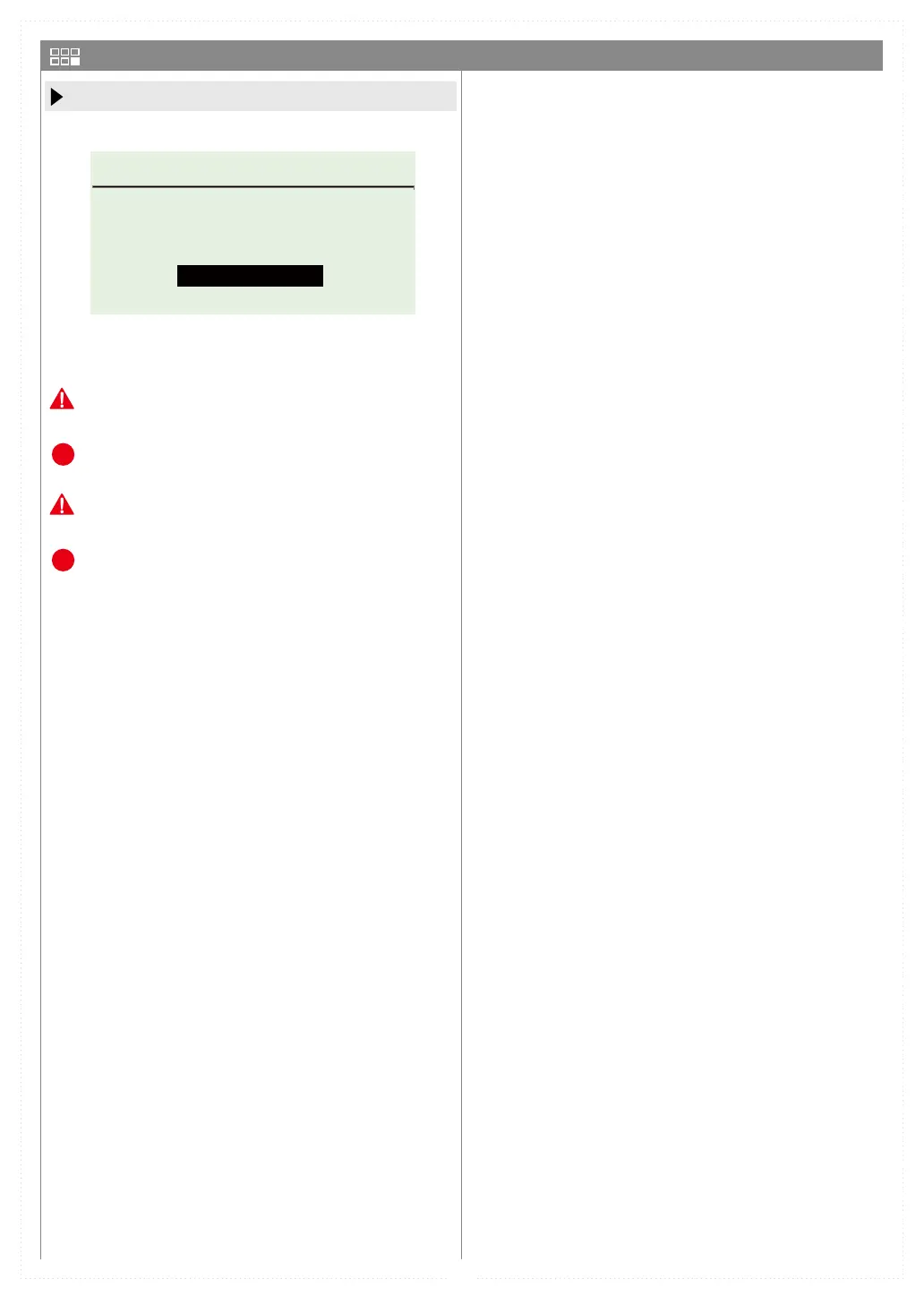
ALL RESET
PLEASE PRESS AND
HOLD ENTER KEY FOR
EXECUTE”ALL RESET”.
ALL RESET
Press and hold the ENT button with ALL RESET
to start all reset.
Please note that once erased data cannot be restored.
The user timer and elapsed time are not reset.
We recommend that you back up before resetting.
When the initialization is completed, it will restart
automatically. After restarting, set the VR information.
P
P


 To Next Page