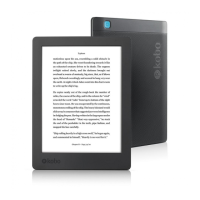
When you borrow an eBook, you actually download a license
le to your computer. The license le is also called an .acsm
le. You’ll need to copy this license le to your eReader
using a free software called Adobe Digital Editions.
Here’s what the process of borrowing an eBook from your
library looks like:
1. Borrow an eBook from your public library using
OverDrive. When you borrow a library eBook, you’ll
download the eBook’s license le onto your PC or
Mac.
2. Use Adobe Digital Editions to copy the license le on
to your Kobo eReader.
3. Open the eBook on your Kobo eReader to read.
Before you start, make sure you have:
• A valid library card
• Internet access
Getting started with Adobe Digital Editions
Adobe Digital Editions (ADE) is free software that lets you
add eBooks from a public library, eBooks from another



 To Next Page