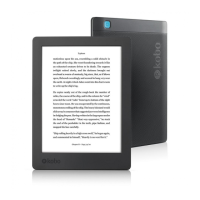
Turning your eReader off
If your eReader is unresponsive or not working like you
expect, try turning it off and then back on again.
1. Press and hold the power button until you see the
Powered off screen.
Note: If you see the Sleeping screen, turn your
eReader back on and try turning your eReader off
again.
2. Press and hold the power button until your eReader
turns on.
If your eReader is frozen and you cannot turn it off, try
charging your eReader.
Signing out and signing back in to your eReader
Try signing out and signing back in to your eReader if you're
having trouble with your books.
Sync your eReader before continuing, so that you don't lose
the most recent bookmarks, notes, or highlights that you
added to your books.
1. Go to your Home screen.



 To Next Page