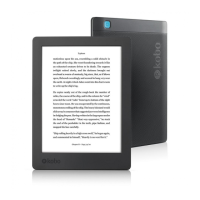
If you use a Kobo eReader or Kobo’s reading apps, you may
never need to use ADE. Kobo’s reading apps and eReaders
can automatically download and open most books from the
Kobo Store.
Installing Adobe Digital Editions
Install Adobe Digital Editions (ADE) on your PC or Mac to
transfer Digital Rights Management (DRM)-protected
content onto your Kobo eReader.
1. Download ADE from www.adobe.com/support/
digitaleditions/downloads.html.
2. Find the ADE installation le on your computer.
3. Open the ADE installation le.
4. Follow the onscreen instructions to install Adobe
Digital Editions.
Creating an Adobe ID
Once you’ve installed Adobe Digital Editions, you’ll need to
create an Adobe ID.
1. With Adobe Digital Editions open, click Help at the
top of the screen.



 To Next Page