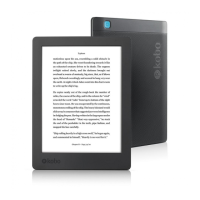
• Return your eReader to its original settings.
1. If possible, back up any books or documents that you
added to your eReader using Adobe Digital Editions,
or that you manually added using your computer.
You do not need to back up any books you bought
from Kobo. Any books you purchased from Kobo can
be re-downloaded from the Kobo Cloud after a
factory reset.
2. Go to your Home screen.
3. Tap the More icon at the top of the screen.
The Quick Settings panel will appear.
4. Tap Settings.
5. Tap Device information.
6. Tap Factory reset under Advanced.
7. Tap Reset Now.
Performing a manual factory reset
If a factory reset didn't solve your problem, you can try a
manual factory reset to restore your eReader to its original
settings. After a manual factory reset, you'll need to set up



 To Next Page