Icon Meaning
Auto-rotate icon: Your
eReader's screen will
automatically rotate to
lanscape or portrait mode
as you turn your eReader.
Using the page turn buttons
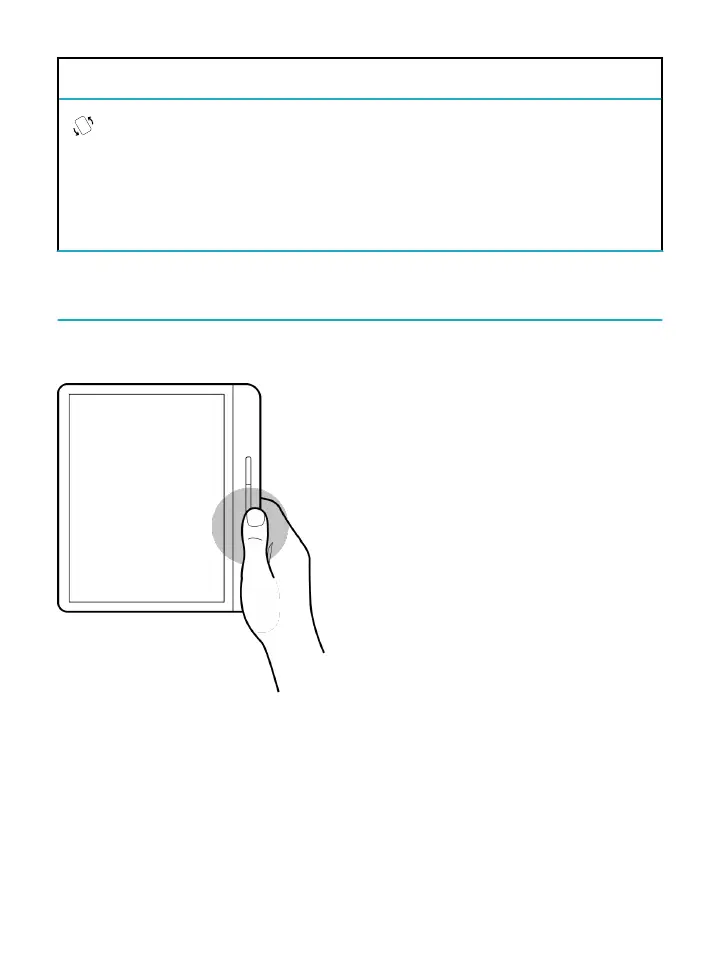
To page forward and backward: Press the upper or lower
page turn button. Depending on how you hold your
eReader, the page turn button automatically adjusts so that



 To Next Page