5. If you're prompted for a network password, use the
keyboard to type in the password and then tap Join.
You can tap Show Password to see what you're
typing.
Checking the Wi Fi status on your Kobo eReader
To see if you’re connected to the internet, check the Wi Fi
status icon at the top of your screen.
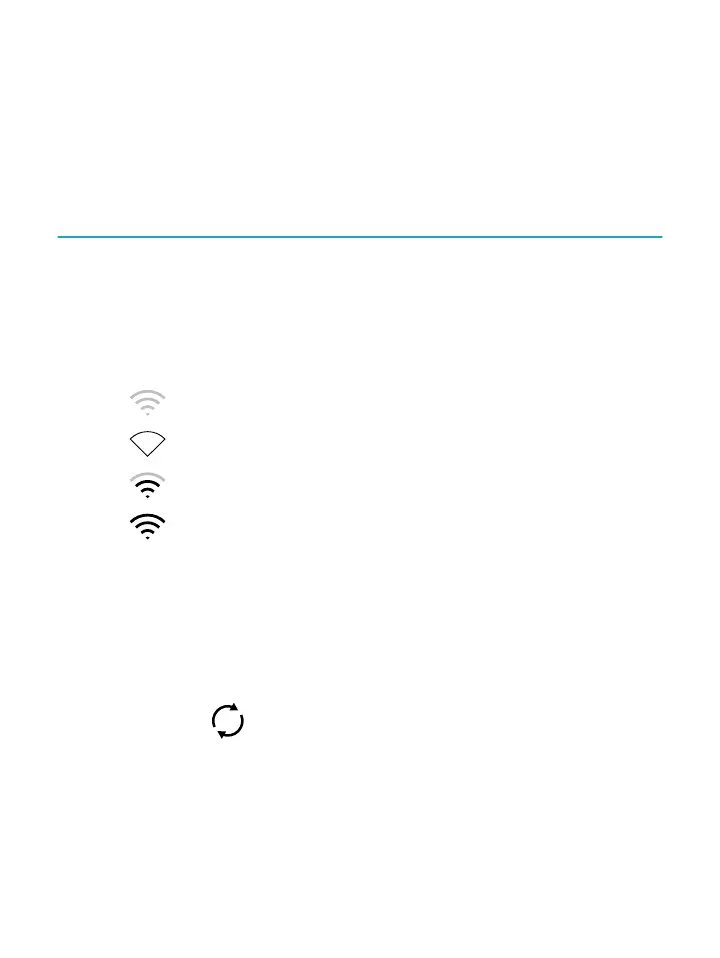
Wi Fi icons
• Wi Fi is on standby to conserve battery power.
• Wi Fi is disabled.
•
You have a moderately good Wi Fi connection.
• You have an excellent Wi Fi connection.
You may have to sync your eReader to see the Wi Fi status
icon.
1. Go to your Home screen.
2. Tap the Sync icon at the top of the screen.
3. Tap Sync now.
The Wi Fi status icon will appear at the top of the
screen



 To Next Page