How to Set OSD MENU SET UP Functions
■
AGC Function (AUTO GAIN CONTROL)
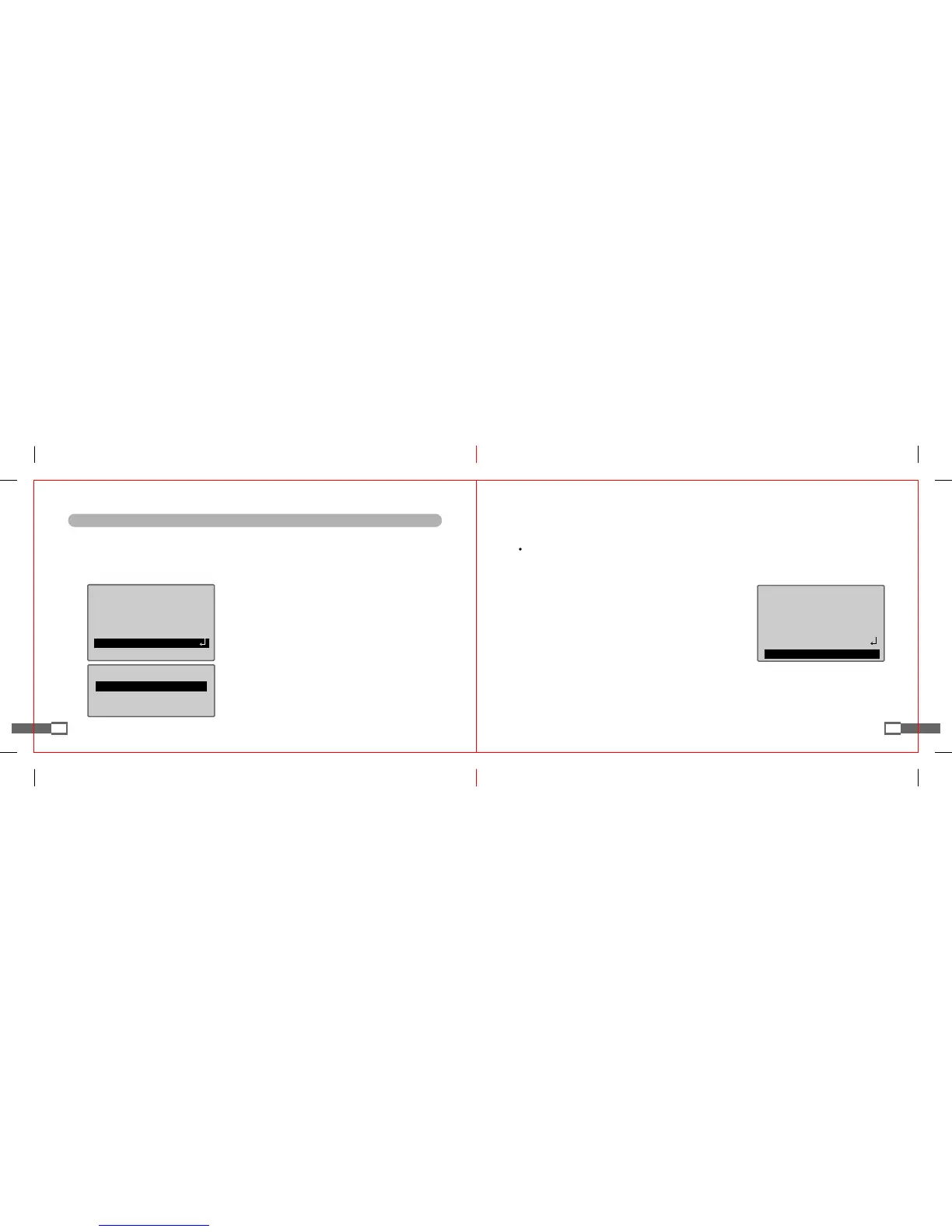
1. If SET UP screen is displayed, make an arrow point to "AGC" item using UP or DOWN button.
2. Press LEFT or RIGHT button to select a desired mode.
(The higher GAIN level is, the brighter the screen becomes but the more NOISE increases).
23
SETUP
MANUALLENS
SHUTTER ESC
WHITEBAL. ATW
BACKLIGHT OFF
▶AGC MIDDLE
DNR LOW
Brightness
PressSETtoReturn
▶BRIGHTNESSl--I--I25
◎
HIGH : increases GAIN by 6dB up to 34dB.
◎
MIDDLE : increases GAIN by 6dB up to 30dB.
◎
LOW : increases GAIN by 6dB up to 18dB.
◎
OFF : fixes GAIN level at 6dB.
3. Press SETUP button. BRIGHTNESS can be adjusted
within the range from 1 to 70.
4. After finishing setup, press SET UP button.
24
SETUP
MANUALLENS
SHUTTER ESC
WHITEBAL. ATW
BACKLIGHT OFF
AGC MIDDLE
▶DNR LOW
■
DNR Function (DIGITAL NOISE REDUCTION)
As GAIN increases or decreases, DNR function automatically reduces background noise of low illuminance.
1. If SET UP menu is displayed, make an arrow point to "DNR" item using UP or DOWN button.
2. Press LEFT or RIGHT button to select a desired mode.
◎
OFF : has no noise reduction effect.
◎
LOW : has a low noise reduction effect but nearly no
residual images.
◎
MIDDLE : has the most general effect in noise reduction
with considerable decrease in noise and smaller
residual image effect.
◎
HIGH : has the greatest effect in noise reduction,
but also has the severest residual image effect.


 To Next Page