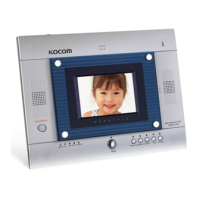
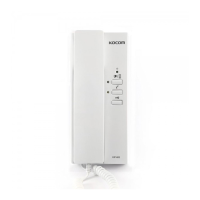
18_www.kocom.com Security Home Auto System_19
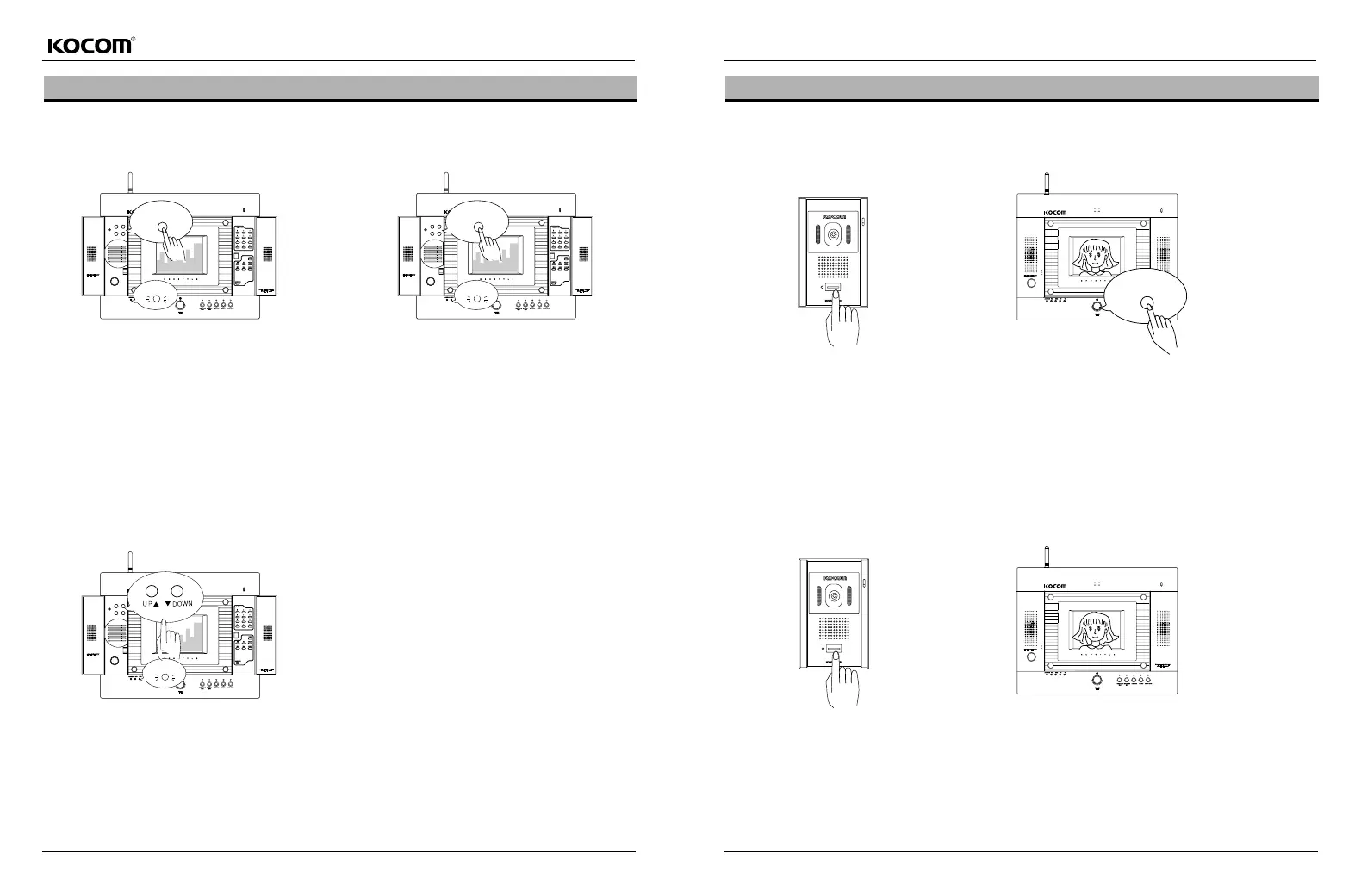
Adjusting the Video Display and Call Sign Volume (This function is available only when LCD screen is turned off).
Adjusting the Video Display (Color)
Press the Function key twice.
Among LEDs at the left-bottom side of LCD, 2nd LED is
turned on.
Using up/down key, adjust the brightness of LCD (8 grades).
After adjusting the brightness, pressing end key or waiting for
5 seconds, 2nd LED among the LEDs at the left-bottom side
of LCD is turned off and mode for adjusting the screen
display is ended.
Press the Function key once.
Among LEDs at the left-bottom side of LCD, 1st LED is
turned on.
Using up/down key, adjust the color of LCD (8 grades).
After adjusting the color, pressing end key or waiting for 5
seconds, 1st LED among the LEDs at the left-bottom side of
LCD is turned off and mode for adjusting the screen display is
ended.
Adjusting the Video Display (Brightness)
Adjusting the Call Sign Volume
Press the Function key three times.
Among LEDs at the left-bottom side of LCD, the3rd LED is turned on.
Then, using up/down key, adjust the call sign volume.
After adjusting the call sign volume, pressing end key or waiting for 5
seconds, 3rd LED among the LEDs at the left-bottom side of LCD is
turned off and mode for adjusting the call sign volume is ended.
Function
Function
Communication with Front Door (General Function)
Communication with front door when a visitor comes
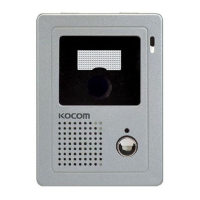
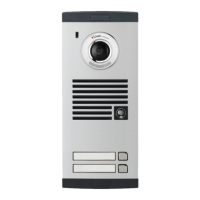
If a visitor presses the call button of front
door camera, call sign rings from the indoor
monitor and its video screen is automatically
is turned on, displaying the visitor.
(Lobby/Front Door LED flickers)
Pressing "Talk" button or "Lobby/Front Door" button,
talk becomes available.
After Talk, pressing the Talkor Lobby/Front
Doorbutton, video screen is faded out. However, the
talk over 5 minutes automatically blocks the call.
To make talk again, press the Lobby/Front
Doorbutton.
If you want to identify visitor without talk
If a visitor presses the call button of front door camera, call sign rings from the indoor monitor and its video screen is
automatically is turned on, displaying the visitor.
. If you want to identify the visitor without talk, please see the video screen without pressing the talkbutton.
(After 30 seconds, video screen is automatically turned off).
Talk



 To Next Page