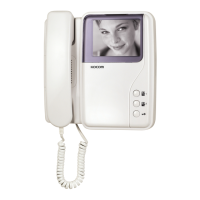
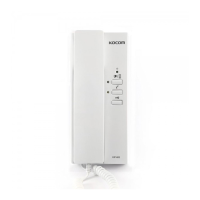
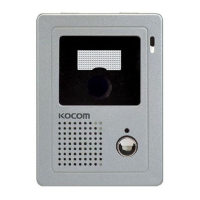
Read before requesting the repairing works
Alarming Situation
Power connection
failure
Failures in
communication with
Telephone line,
common
Gate, and
guard
Failures in security
setting
Failure in releasing the
security mode
Failures in returning to
alarm mode
No call signal heard
from Gate or
guard calls
Check Points
Please check whether power
switch on the front-bottom side of
main body is turned on.
Is outside telephone line
connected to product installation
place?Is common Gate or
guard installed?
Isnt the door open?
(security sensor works)
Isnt the wiring for security
sensor disconnected?
Did you check the pertinent
security sensor?
Isnt the wiring for pertinent
security sensor disconnected or
short-circuited?
Isnt the door where sensor is
attached opened?
Actions
Turn on the power switch.
Try to other handset.
If no troubles are found, request A/S.
Contact guard to inquire whether
communication with common Gate or
guard is available.
Turn off and on the switch at the front-bottom side
of main body.
Close the door.
Restore the damaged wiring.
For normal operation of returning to alarm mode,
alarming factors should be checked and removed.
Restore the disconnected or short-circuited wiring
Close the door.
Turn off and on the switch at the front-bottom side
of main body.
Do not fail to check the following items before requesting the repairing works. If no troubles are found out after check, contact
KOCOMs local service center.



 To Next Page