Door Camera
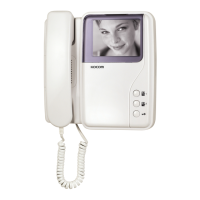
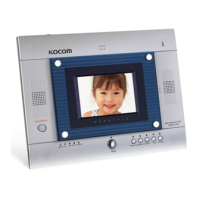
KC-MB30
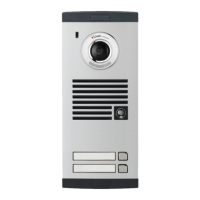
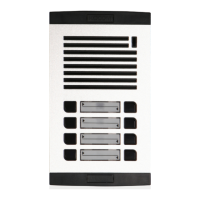
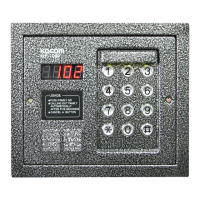
KC-D20 KC-D20KC-C63 / KC-B61 KC-C63 / KC-B61
KC-MB30
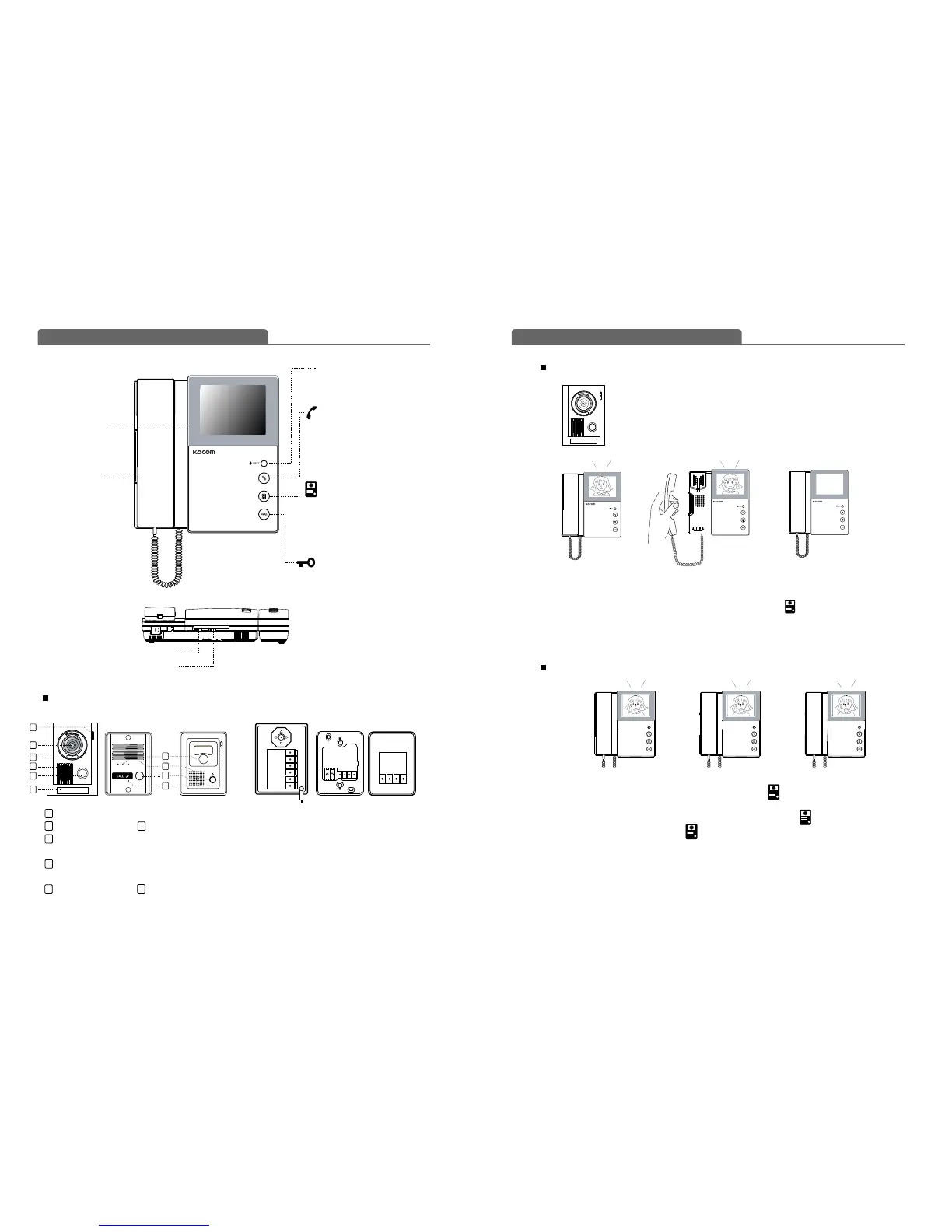
4 inch screen
To identify visitor
Handset
To communicate
with door camera.
Power LED / Set button
Setting of special functions
SET button
Extension button
Extended monitor or call & answer
to extended monitor
or doorphone
Camera button
Identification and communication
with a visitor at door.
Door Open button
Door opening during
communication
While melody sounds from the monitor, the image of a visitor at door is displayed.
Pick up the handset to communicate with a visitor at door.
In case the handset is used with extended indoor units, press camera button for communication.
Hang up the handset to finish communication.
Communication with door is available for up to three minutes.
When visitor presses the call button of door camera, the call from the door panel
keeps ringing for 2 minutes. But monitor screen will be turned on for 1 minute.
Monitor button won't fuction during the rest 1 minute. At this time, when holding
the handset, the screen will be turned on and communication will be available.
How to operate (Instruction for operating)
Name of each part
3-level brightness control knob
3-level melody volume control knob
To view the state of door without communication, press camera button and view the image from door
camera 1 through the screen.
To view the image from door camera 2 through the screen, press camera button once more.
To end door monitoring, press camera button once more.
1312
C-Mic : To communicate with Monitor
Camera Lens LED
Speaker: When visitor calls, the voice from
monitor comes out of the speaker.
Call Button: By pressing the button, the related
house will be called.
Name plate Screw cap
Camera monitoring-Don't need to hold handset
Communication with door camera
Door camera monitoring is available for up to one minute.
FG(FRAME GROUND)
①
②
③
④
⑤
⑥
⑦
⑧
① : VCC
② : GND
③ : Audio
④ : Video
⑤&⑥ : Door (Non-Polarity)
⑦
:
Camera angle knob
(Only KC-MB30)
⑧ : Wire clamp
1
2
3
4
4
2
5
5
6
6
1
2
3
4
5
7
1
① ② ③ ④
① ② ③ ④



 To Next Page